Chapter 8: Maintain your Zen
92
Securing your ASUS Tablet
Use the security features of your ASUS Tablet to prevent unauthorized access of information.
Unlocking your screen
When the screen is locked, you can open it with the security unlocking options that the ASUS Tablet
oers you.
1. Tap > Settings > Lock screen.
2. Tap Screen lock then select an option to unlock your ASUS Tablet.
NOTE:
• Formoredetails,seetheUnlock screen options section.
• Todeactivatetheunlockscreenoptionthatyouset,tapNone on the Choose screen lock screen.
Unlock screen options
Choose from these options to unlock your ASUS Tablet.
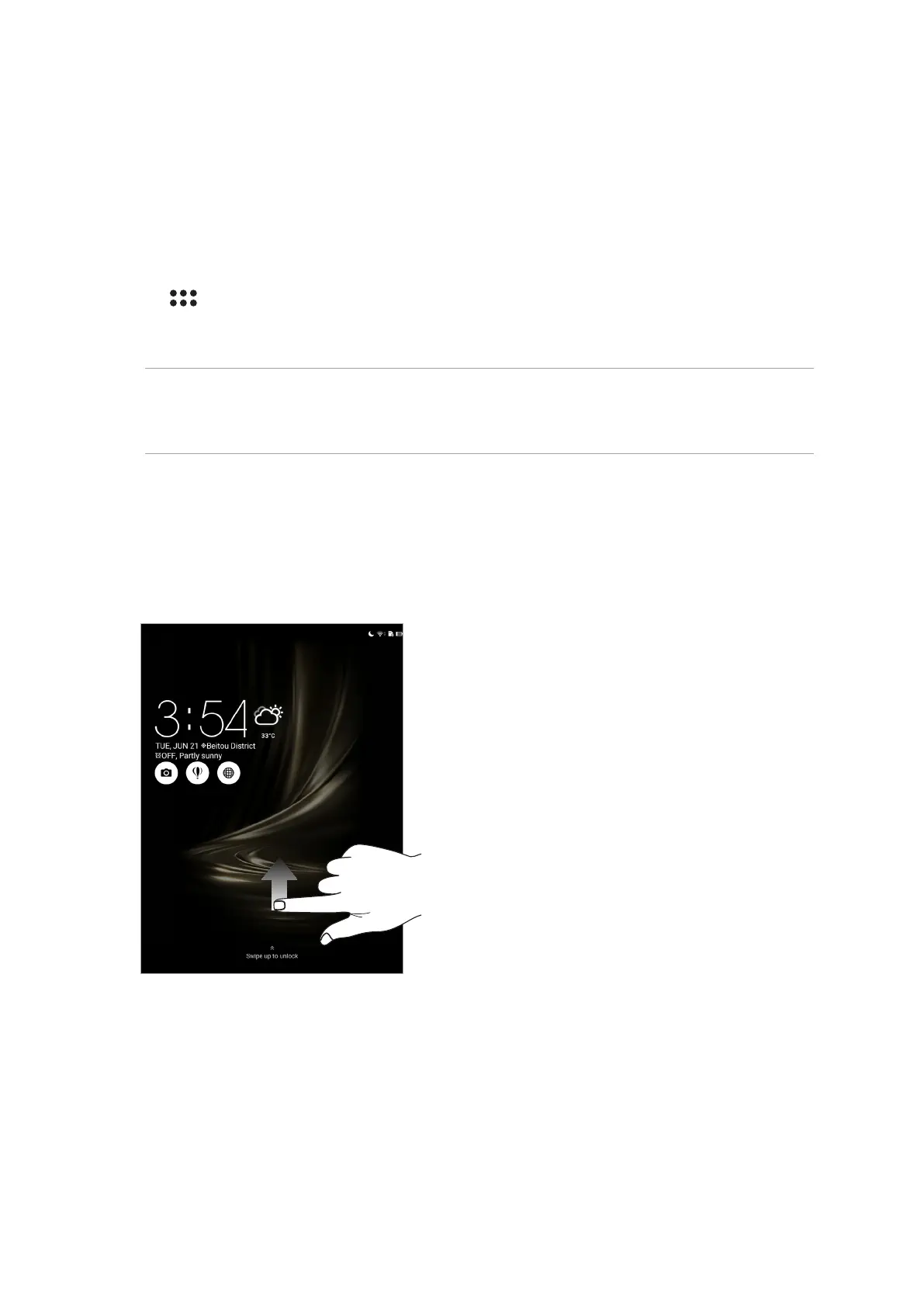
Swipe
Swipe up to unlock your ASUS Tablet.



 To Next Page