143
Newstation
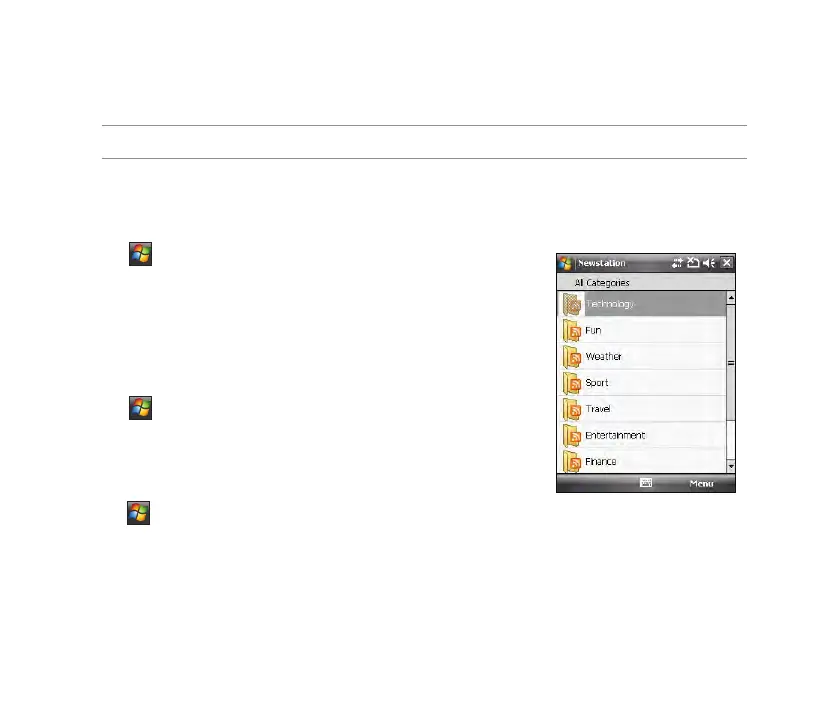
With the Newstation in your device, you can conveniently browse news and blogs anywhere and anytime.
NOTE: Ensure that your device is connected to Internet when using Newstation.
Using Newstation
To read RSS news:
1. Tap > Programs > Newstation.
2. Tap a category folder to open.
3. Tap a channel name to open.
4. Browse your favorite subjects.
To create a new category folder:
1. Tap > Programs > Newstation.
2. Tap Menu > New Category then edit the category name.
To add a channel:
1. Tap > Programs > Newstation, then tap a category folder to
open.
2. Tap Menu > New Channel. You can add a channel either from the Internet or an existing le.
• Input from URL
Select the radio button of Input from URL and enter the URL address, then tap Next.
Select a category where you want to add the channel, then tap Finish.



 To Next Page