28
Charging the battery
The bundled battery pack is shipped partially charged. Charge the battery up to four hours before using
for the rst time.
To charge the battery:
1. Connect the AC adapter plug to the mini-USB connector at the bottom of the device.
2. Connect the AC power plug to a grounded wall socket or power strip.
NOTES:
• The notication LED turns red and charging battery icon appears on the status bar indicating that the
battery is charging.
• If your battery gets totally discharged, you need to recharge it for at least twenty minutes before you can
turn it back on.
Installing and removing a microSD card
Your device is equipped with a microSD card slot. A microSD card provides you with extra memory space
to store your les.
To install the microSD card:
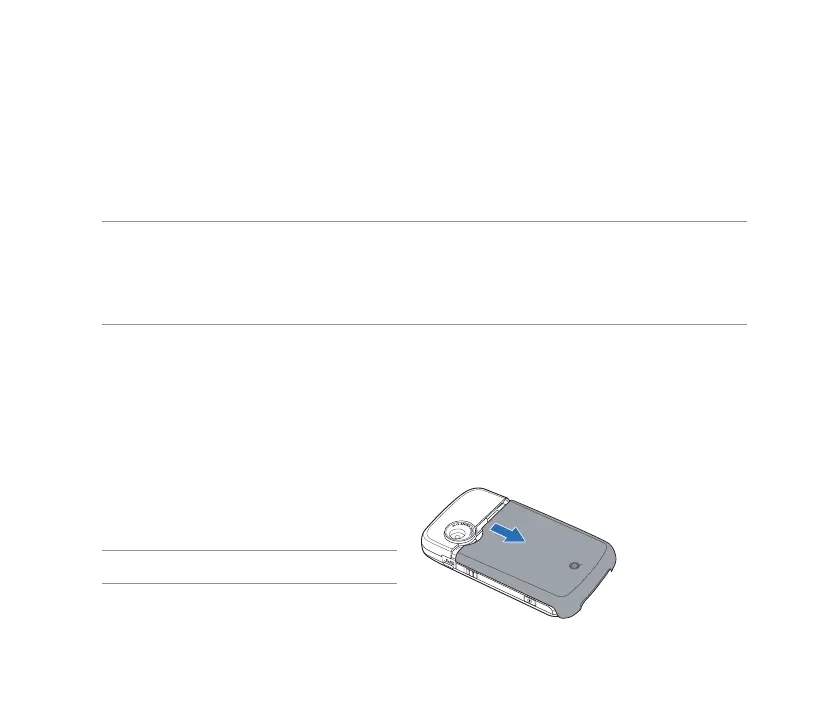
1. Remove the battery compartment cover.
NOTE: There is no need to remove the battery.



 To Next Page