41
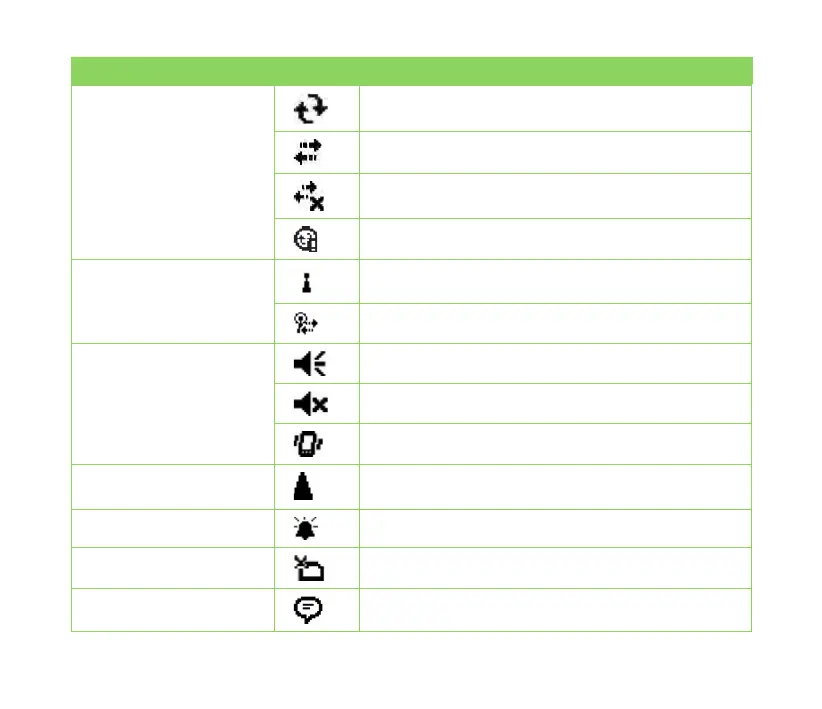
Icon Description
ActiveSync connection
status
ActiveSync synchronization in progress
Connecting with ActiveSync
ActiveSync connection not active
Synchronization error
Wi-Fi connection status Wi-Fi is not connected
Wi-Fi connected
Sound status Sound ON
Sound OFF
Vibrate or Meeting mode on
Roaming service This icon appears if your device has roaming service
subscription with your mobile service provider.
Alarm status Appears when you set the alarm
SIM card status No SIM card installed
Notication status Notice indicator



 To Next Page