52
When you receive a call, a message prompts and allows you to
answer or reject the incoming call.
To answer or reject an incoming call:
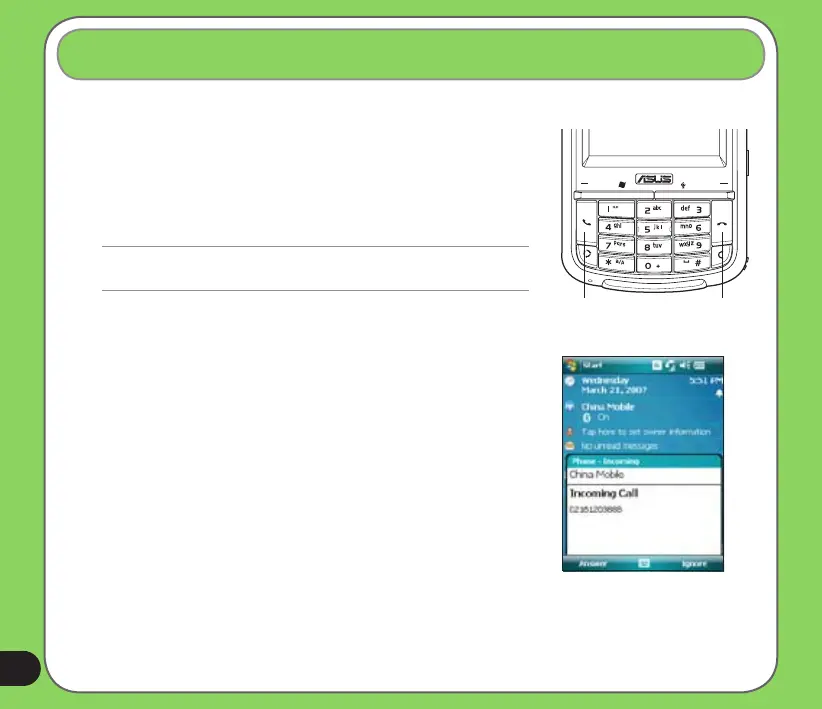
• To answer a call tap Answer, or press Call key.
• To reject an incoming call, tap Ignore, or press End key.
TIP:
Press and hold Call key to switch receiver to speakerphone mode.
Receiving a call
To terminate a call:
• Tap End or press End key to terminate an incoming or
outgoing call.
The following pop-up screen appears during an incoming call:
• Tap Answer to receive call or
• Tap Ignore to dismiss call.
Call key End key


 To Next Page