161
Using Newstation menus
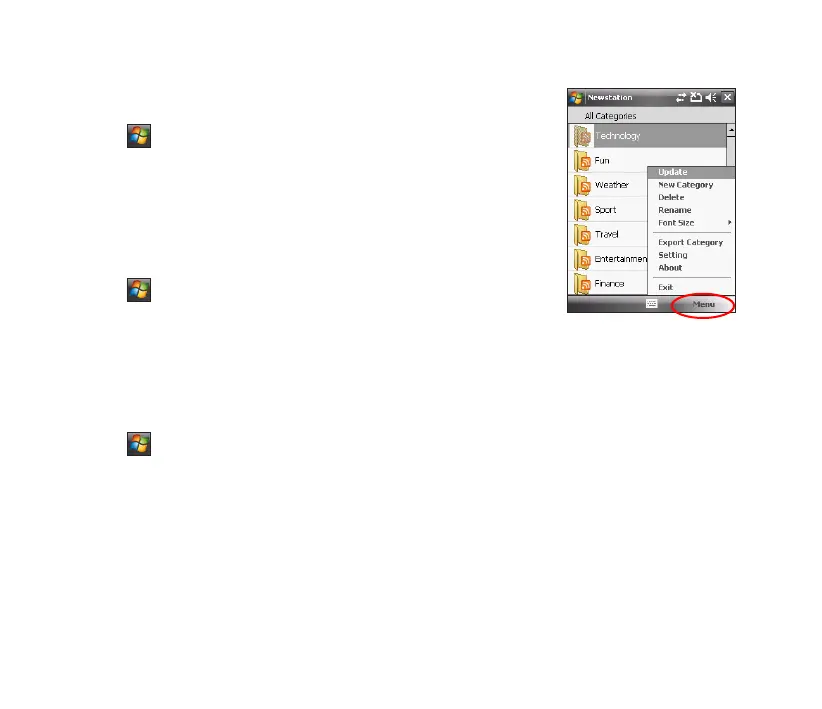
Category Menu
To use the category menu:
1. Tap > Programs > Newstation.
2. Select a category folder. Then tap Menu. The menu list pops up.
3. Tap an option that you need.
Channel Menu
To use the channel menu:
1. Tap > Programs > Newstation.
2. Tap a category folder, then select a channel and tap Menu.
3. Tap an option that you need.
Subject Menu
To use the subject menu:
1. Tap > Programs > Newstation.
2. Tap a category folder. Then tap a channel to open. Select a subject and tap Menu. The menu list
pops up.
3. Tap an option that you need.



 To Next Page