7
ASUS PhysX
TM
Installation Guide
English
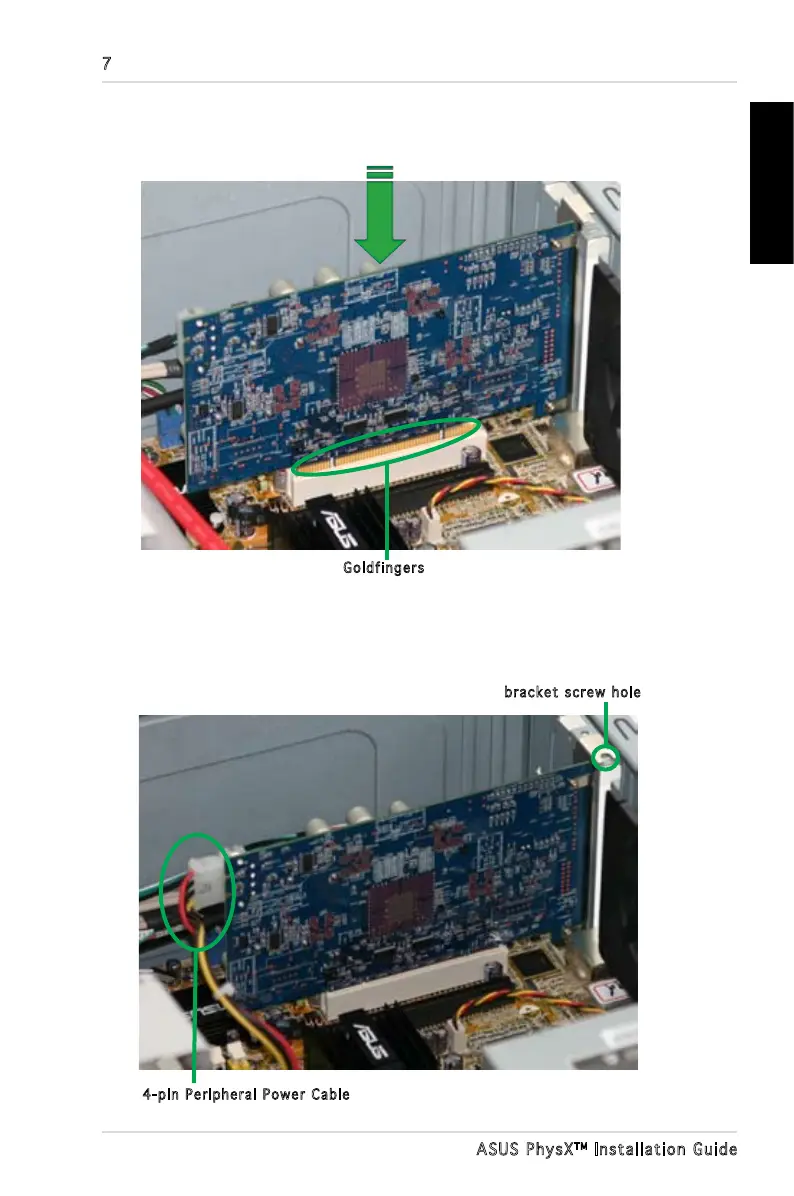
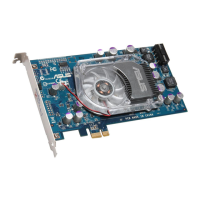
7. Secure the bracket screw that holds the PhysX card in place. Refer to the
picture below for the barcket screw hole.
8. Connect one 4-pin Peripheral Power Cable to the power connector on the
card as shown below.
Goldfingers
bracket screw hole
4-pin Peripheral Power Cable
6. Align and insert the PhysX card into the PCI slot until it seats in place.
Make sure the goldngers are properly inserted to the slot.



 To Next Page