18
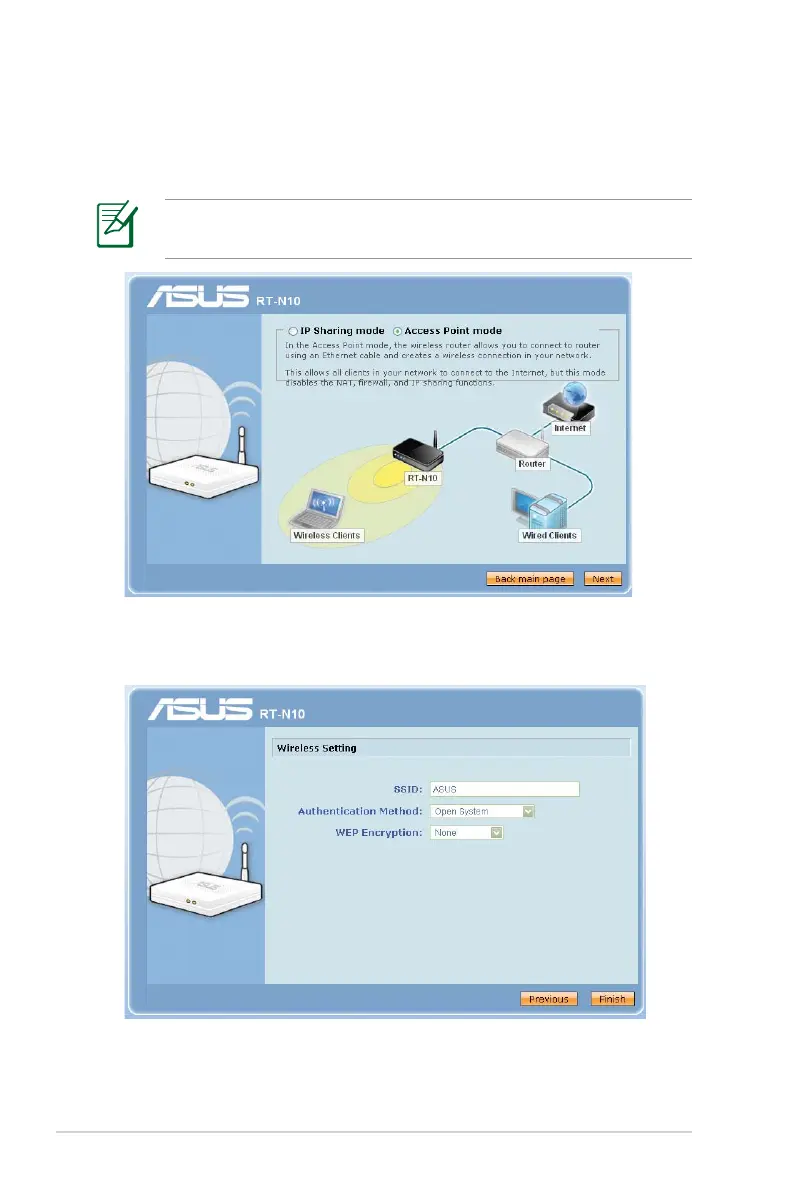
2. Launch your web browser and the QIS web page will appear
automatically. Select Access Point mode, then click Next.
If the QIS web page does not appear, disable the proxy settings
on your web browser.
3. Configure wireless security settings for SSID, authentication
method, and WEP Encryption. Click Finish.



 To Next Page