EasyManua.ls Logo

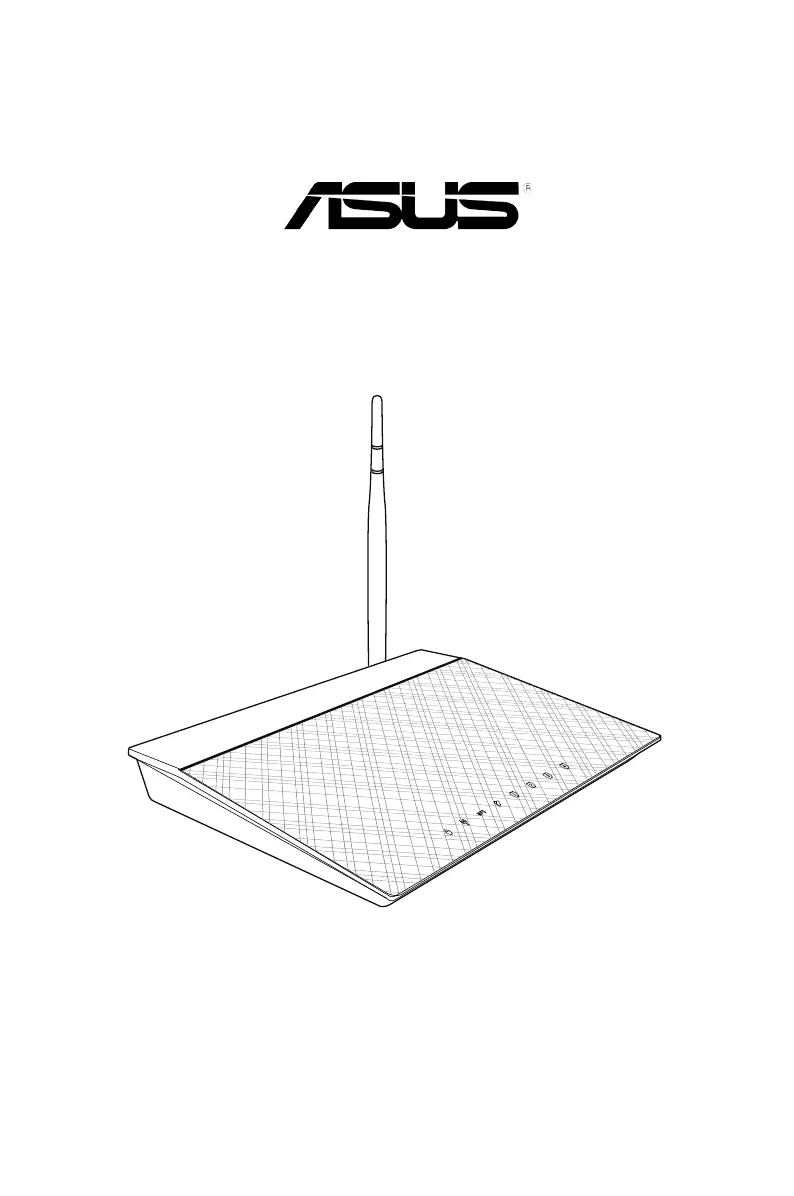
Asus RT-N10E - User Manual

Asus RT-N10E
46 pages
Print Icon
To Next Page IconTo Next Page
Loading...
User Manual
RT-N10E
11n Wireless Router

Other manuals for Asus RT-N10E

Questions and Answers

  • C
    Craig HernandezAug 12, 2025
    Why can't my device connect to my Asus Wireless Router?
    • L
      laura93Aug 12, 2025
      There are several reasons why your device might not be connecting to the router. It could be out of range, so try moving the router closer. There might be an authentication issue; in this case, use a wired connection to connect to the router and check the wireless security settings. If you still cannot connect, or cannot find the router, press the Restore button on the rear panel for more than five seconds. Also, verify the SSID and encryption settings in the wireless adapter.
  • G
    guzmanjulieAug 15, 2025
    What to do if I cannot access the Internet via my Asus Wireless Router?
    • D
      Danielle MillsAug 16, 2025
      If you cannot access the Internet, make sure the router is close to the wireless client. Check that the wireless adapter is connected to the correct wireless router and that the wireless channel in use conforms to the channels available in your country/area. Also, verify the encryption settings and ensure that the ADSL or Cable connection is correct. You may also try another Ethernet cable.
  • N
    Nicole KingAug 20, 2025
    How to fix internet not working on Asus RT-N10E Wireless Router?
    • G
      gyoungAug 20, 2025
      If the internet is not accessible, check the status indicators on the ADSL modem and the wireless router. Verify if the WAN LED on the wireless router is ON. If the LED is not ON, try changing the cable.
  • P
    Paige RyanAug 23, 2025
    How do I restore my Asus Wireless Router to its default settings?
    • M
      mariawilsonAug 23, 2025
      To restore the system to its default settings, press the Restore button at the rear panel of the wireless router for more than five seconds.
  • A
    Aaron HarperAug 27, 2025
    What to do if I forgot my Asus RT-N10E Wireless Router network name or encryption key?
    • D
      davisheidiAug 27, 2025
      If you've forgotten your network name or encryption keys, try setting up a wired connection and configuring the wireless encryption again. Alternatively, press the Restore button on the rear panel of the wireless router for more than five seconds.
  • Q
    qdavisAug 31, 2025
    What to do when the ADSL modem “Link” light is ON but Internet is not accessible on my Asus RT-N10E?
    • M
      Maria LittleAug 31, 2025
      Even if the ADSL modem “Link” light is ON, indicating Internet access, there might still be issues. Restart your computer. Check if the WAN LED on the wireless router is ON. Review the wireless encryption settings. Confirm that your computer can get an IP address via both wired and wireless networks. Also, ensure your web browser is configured to use the local LAN and not a proxy server.
  • G
    Garrett HallSep 3, 2025
    Why is the ADSL “LINK” light blinking or off on my Asus RT-N10E Wireless Router?
    • R
      Randy HernandezSep 4, 2025
      If the ADSL “LINK” light blinks continuously or stays off, ensure that all your cables are properly connected. Disconnect the power cord from the ADSL or cable modem, wait a few minutes, and then reconnect it.
  • D
    dana13Sep 7, 2025
    Why can't I access the Asus Wireless Router page using 192.168.1.1?
    • O
      owensdonnaSep 7, 2025
      If you cannot access the main page using 192.168.1.1, check the router’s operation mode. In Router mode, the default IP address is 192.168.1.1. If it is in AP mode, use Device Discovery to find the router’s IP address.

Asus RT-N10E Specifications

General IconGeneral
Frequency Band2.4 GHz
Max Data Rate150 Mbps
LAN Ports4 x 10/100 Mbps
WAN Ports1 x 10/100 Mbps
Operating Temperature0 °C to 40 °C
Wireless StandardIEEE 802.11b/g/n
Security64-bit WEP, 128-bit WEP, WPA2-PSK, WPA-PSK
FirewallSPI Firewall
Storage Temperature-20°C to 70°C
Antenna1 external antenna
Storage Humidity5% to 90% non-condensing

Videos

How to Set Up ASUS RT-N10E

Related product manuals