27
Chapter 4: Conguring via the web GUI RT-N10E
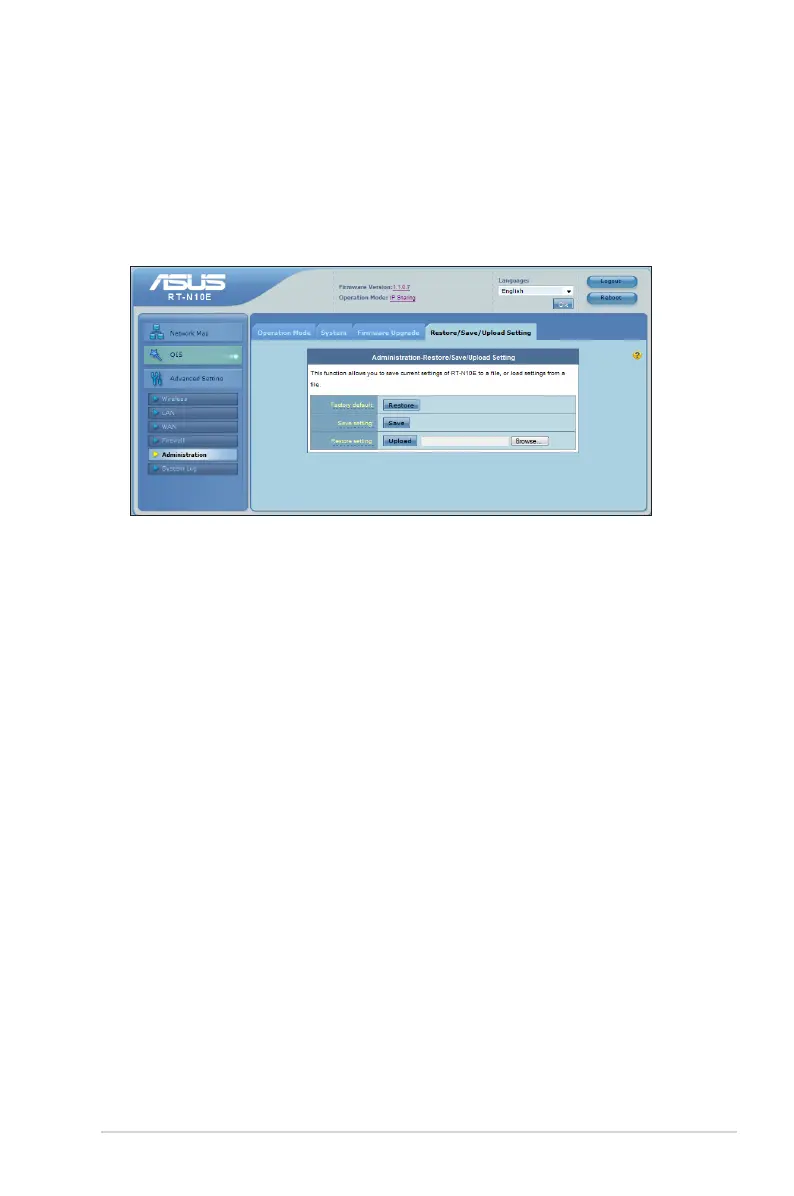
Restoring/Saving/Uploading settings
To restore/save/upload the settings:
1. Click Advanced Setting from the navigation menu at the left side of your
screen.
2. Under the Administration menu, click Restore/Save/Upload Setting.
3. Select the tasks that you want to do:
• To restore to the default factory settings, click Restore, and click OK in the
conrmation message.
• To save the current system settings, click Save, and click Save in the le
download window to save the system le in your preferred path.
• To restore previous system settings, click Browse to locate the system le that
you want to restore, then click Upload.



 To Next Page