21
Chapter 4: Conguring via the web GUI RT-N10E
4
Conguring the
advanced settings
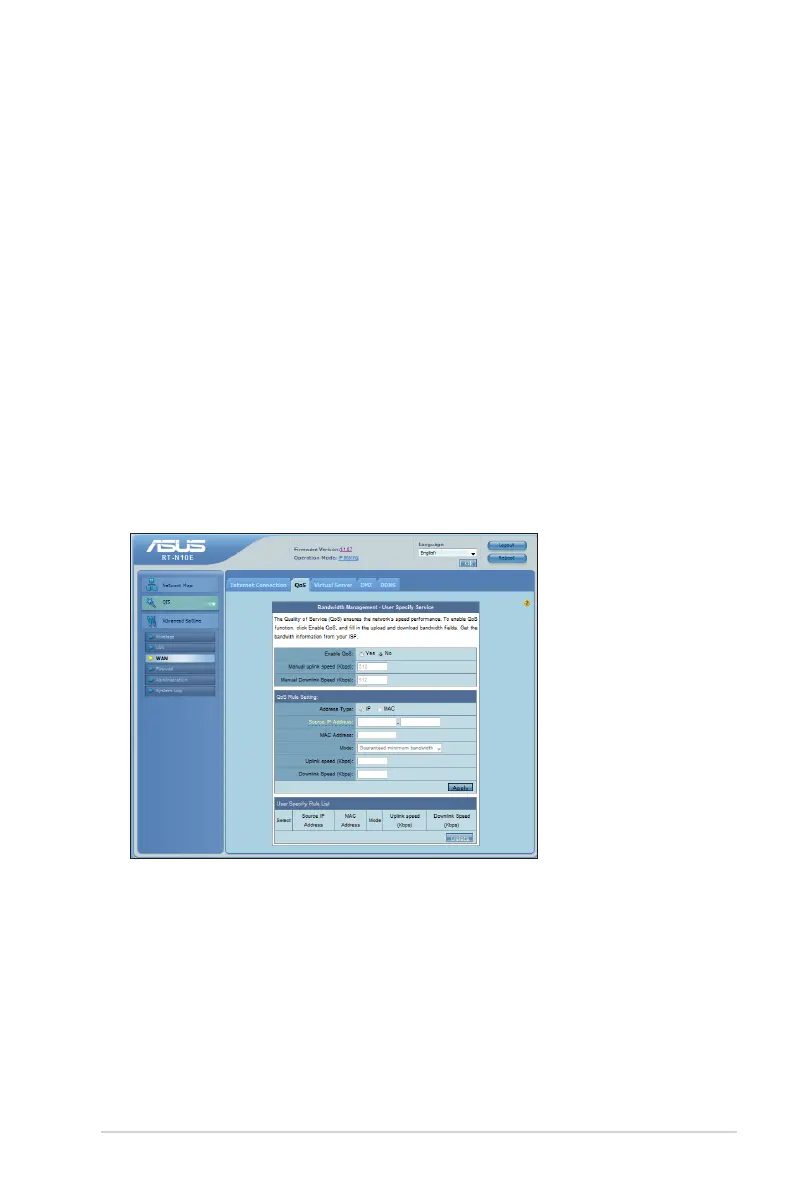
Managing bandwidth with QoS
QoS enables you to set the bandwidth priority and manage the network trafc.
To set up the bandwidth priority:
1. From the left navigation menu, click Advanced Setting > WAN > QoS tab.
2. Tick Yes in the Enable QoS eld.
3. To manage the network trafc, select IP or MAC in the Address Type eld.
4. Click Apply to save the settings.



 To Next Page