22
RT-N10E Chapter 4: Conguring via the web GUI
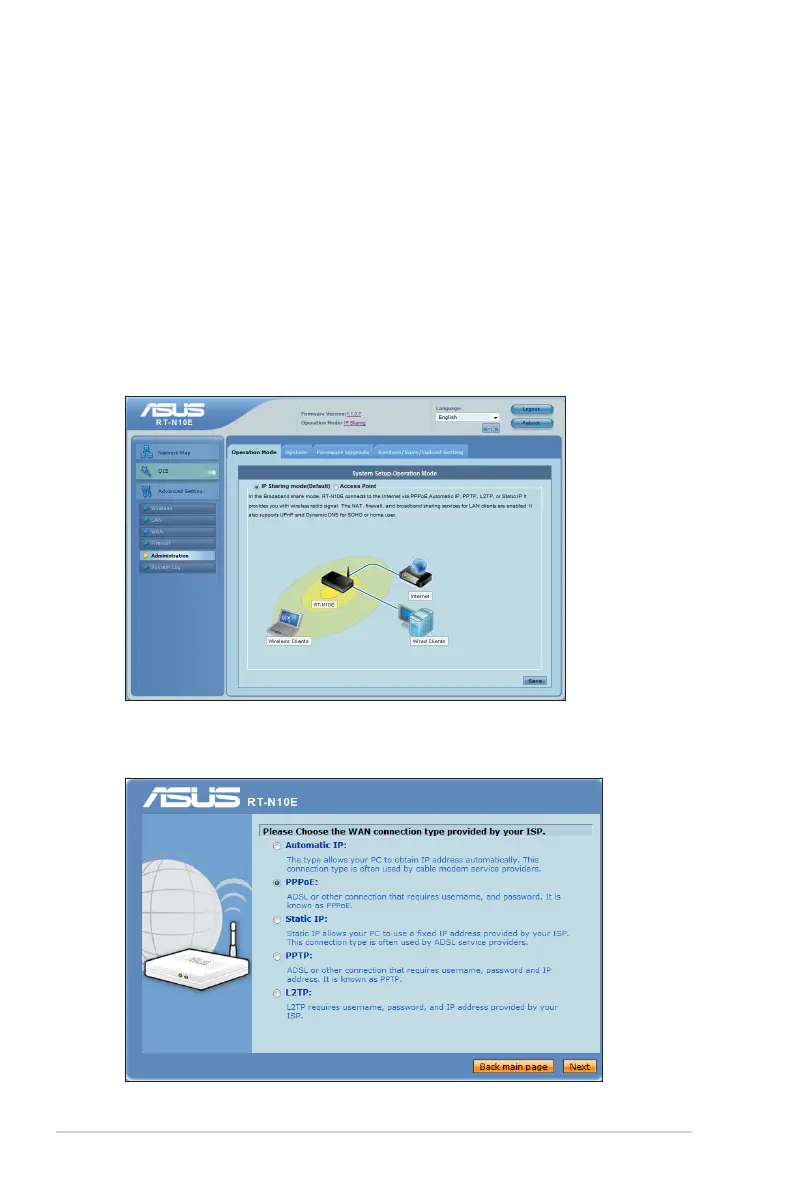
Setting up the operation mode
The Operation Mode page allows you to set up your wireless router into any of
these two operation modes: IP Sharing mode or Access Point mode.
Setting up the wireless router in IP Sharing mode
In the IP Sharing mode, the wireless router connects to the Internet via PPPoE,
Automatic IP, PPTP, L2TP, or Static IP, and provides you with wireless radio
signals. The NAT, rewall, and IP sharing services for LAN clients are enabled.
To set up the wireless router in IP Sharing mode:
1. From the navigation menu, click Advanced Setting > Administration >
Operation Mode tab.
2. Tick IP Sharing mode (Default) and click Save.
3. Click QIS from the navigation menu. Select your connection type from these
types of ISP services: Automatic IP, PPPoE, Static IP, PPTP, and L2TP.



 To Next Page