30
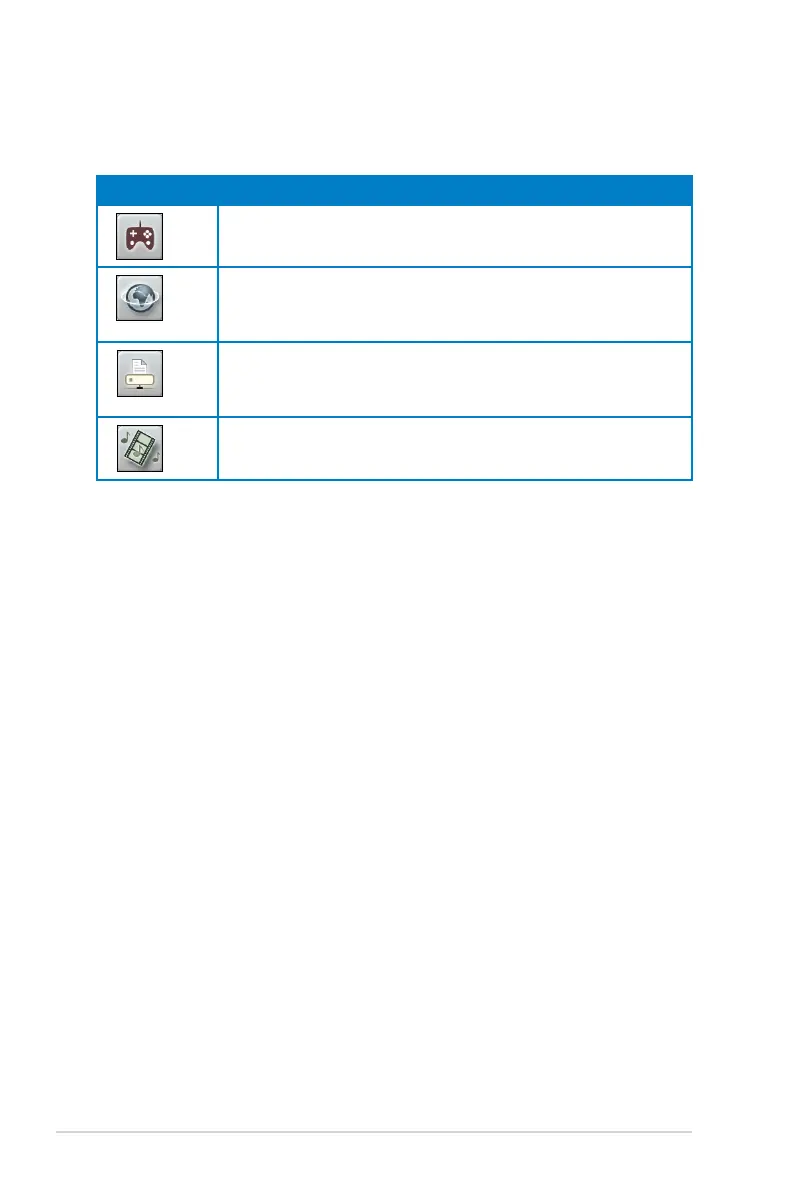
2. Click each of these four applications to set bandwidth priority:
Icon Description
Gaming Blaster
The router handles gaming traffic as first priority.
Internet Application
The router handles e-mail, web browsing, and other Internet
applications traffic as first priority.
FTP
The router prioritizes upload and download activity to an FTP
server.
Voip/Video Streaming
The router prioritizes audio/video traffic.
3. Click Save to save configuration settings.



 To Next Page