41
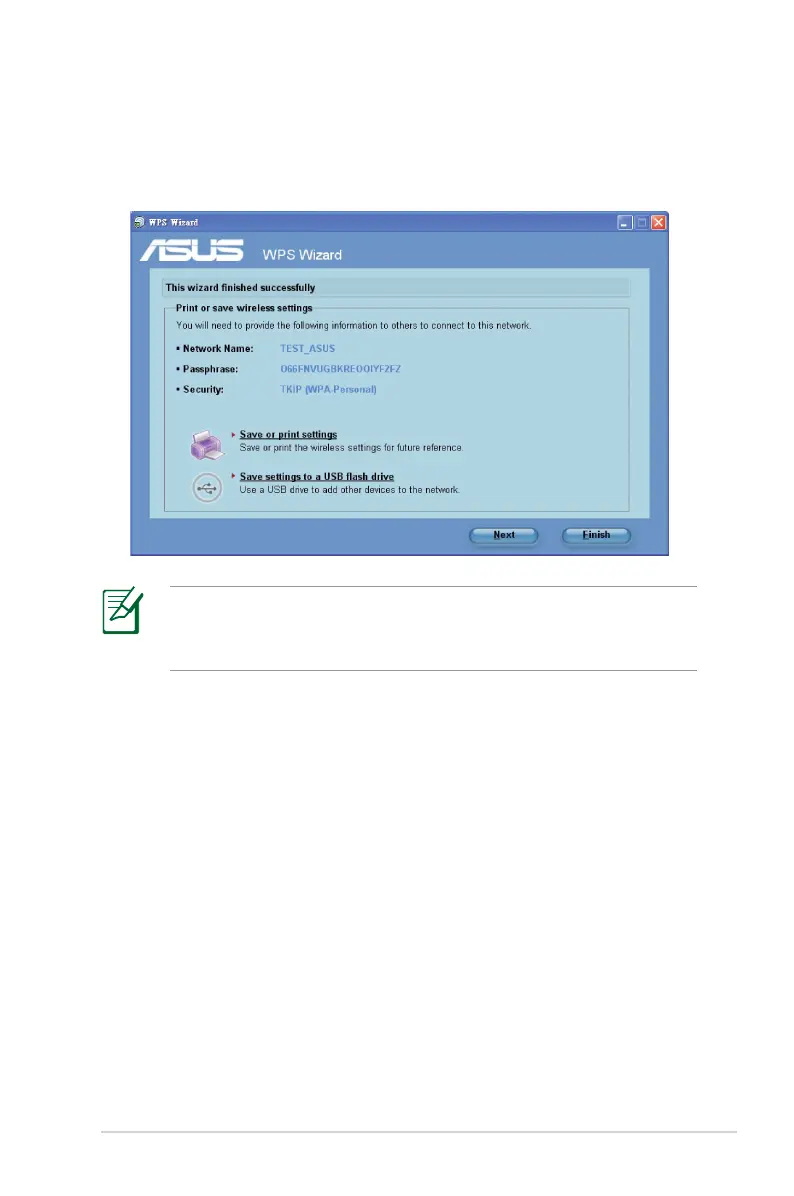
6. When finished, click Save or print settings for future reference
or Save settings to a USB flash drive to add other devices to
the network. Click Next to connect to the Internet.
For more details on adding devices to the network using a USB
flash drive, refer to the section Adding network devices using
a USB flash drive.



 To Next Page