b.
App Setup
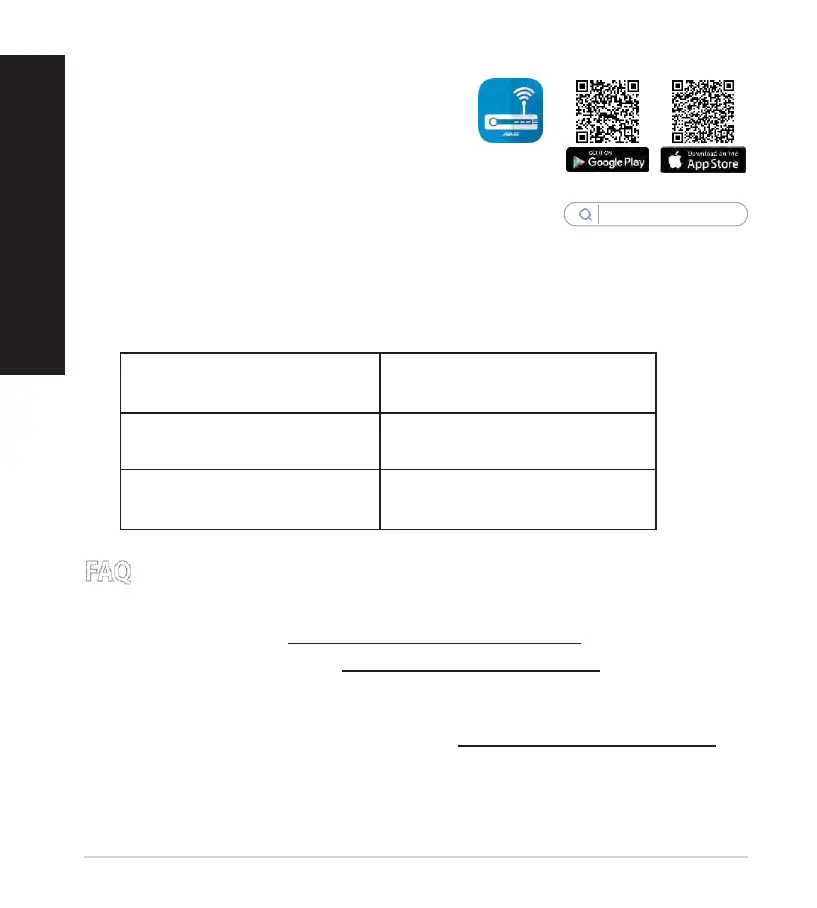
Download ASUS Router App to set up your
router via your mobile devices.
•
Turn on Wi-Fi on your mobile devices
and connect to your router’s network.
•
Follow ASUS Router App setup
instructions to complete the setup.
ASUS
Router
Remembering your wireless router settings
•
Remember your wireless settings as you complete the router setup.
1.
Where can I find more information about the wireless router?
•
Online FAQ site: https://www.asus.com/support/faq
•
Technical support site: https://www.asus.com/support
•
Customer hotline: refer to the Support Hotline section in this Quick Start
Guide
•
You can get the user manual online at https://www.asus.com/support


 To Next Page