6
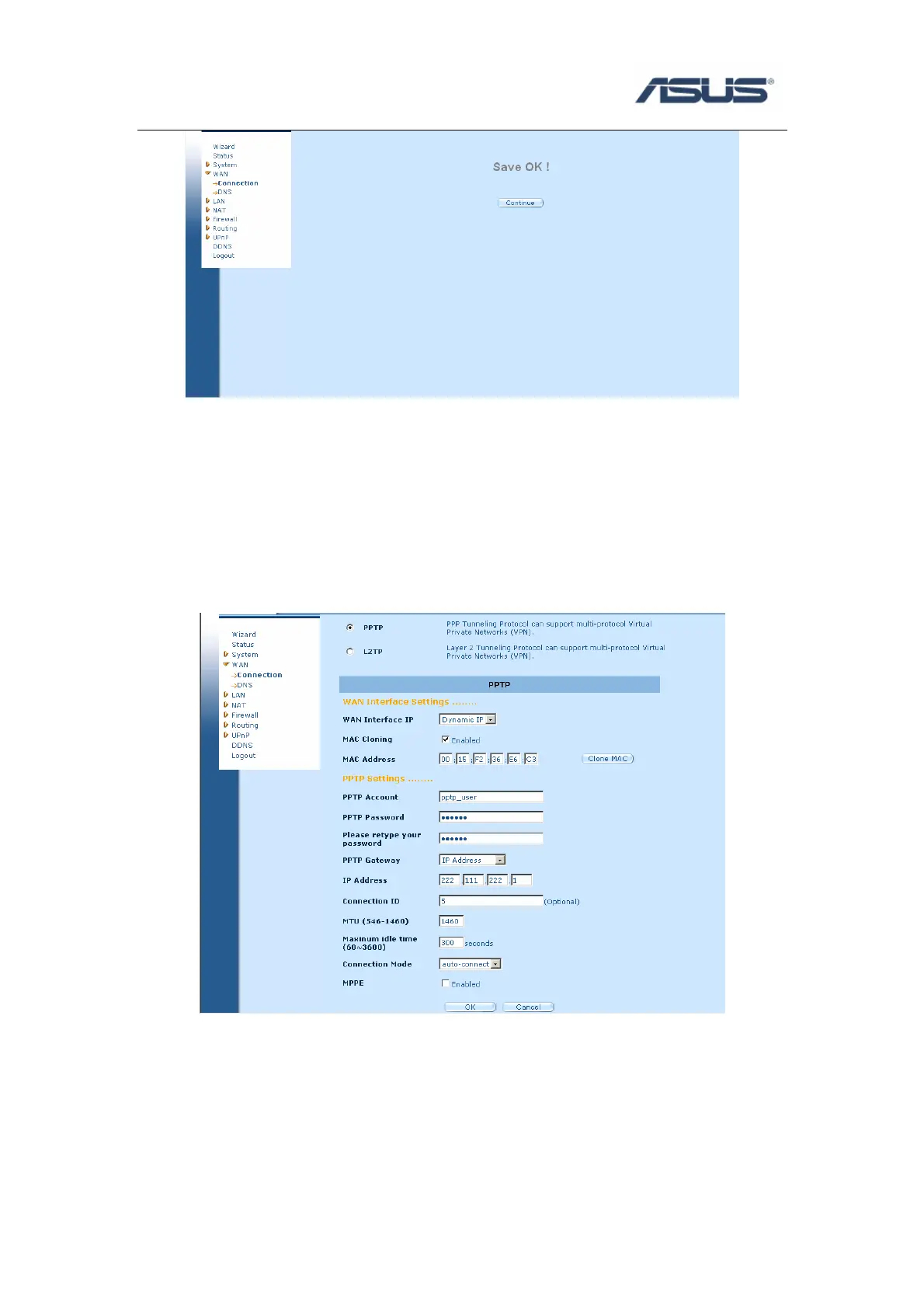
e) Check if the WAN interface gets a dynamic IP address and related information. Click
Status will show WAN information.
3.5 WAN Connection Type ---- PPTP/L2TP
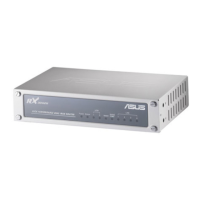
a) Click WANÎConnection, Select WAN Connection Mode as PPTP.
b) Select WAN Interface IP Î Dynamic IP
c) Select WAN Interface IP Î Static IP, fill IP address, Subnet Mask, Gateway that
provided by your ISP. MAC Cloning is optional as your ISP request.


 To Next Page