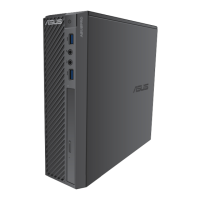
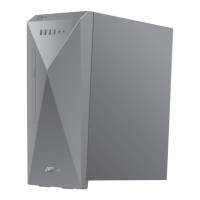
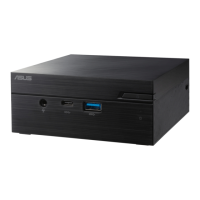
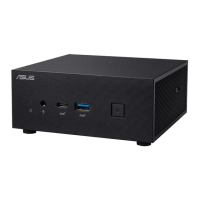
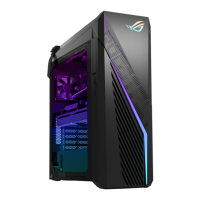
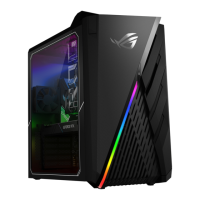
BP6335 (SD560)
Connecting the power adapter
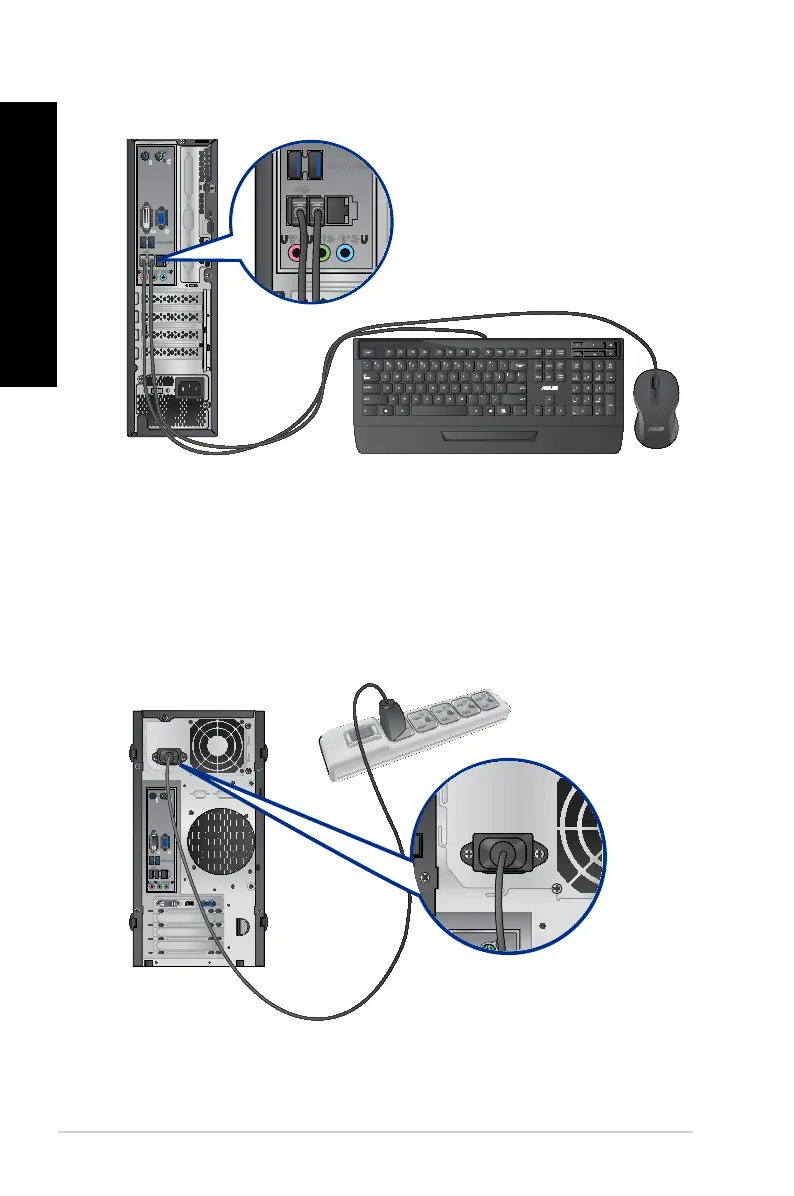
To connect the power adapter and power cord to the desktop:
1. Connect the power cord to the power adapter.
2. Plug the power adapter into a 100V~240V power source.
3. Connect the power connector to the rear panel of your computer.
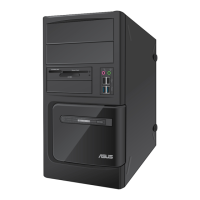
BM6635 (MD560)
28 Chapter 1: Getting started
ENGLISH
ENGLISH


 To Next Page