Connecting a USB storage device
This desktop PC provides USB 2.0/1.1 and USB 3.0 ports on both the front and rear panels. The USB
ports allow you to connect USB devices such as storage devices.
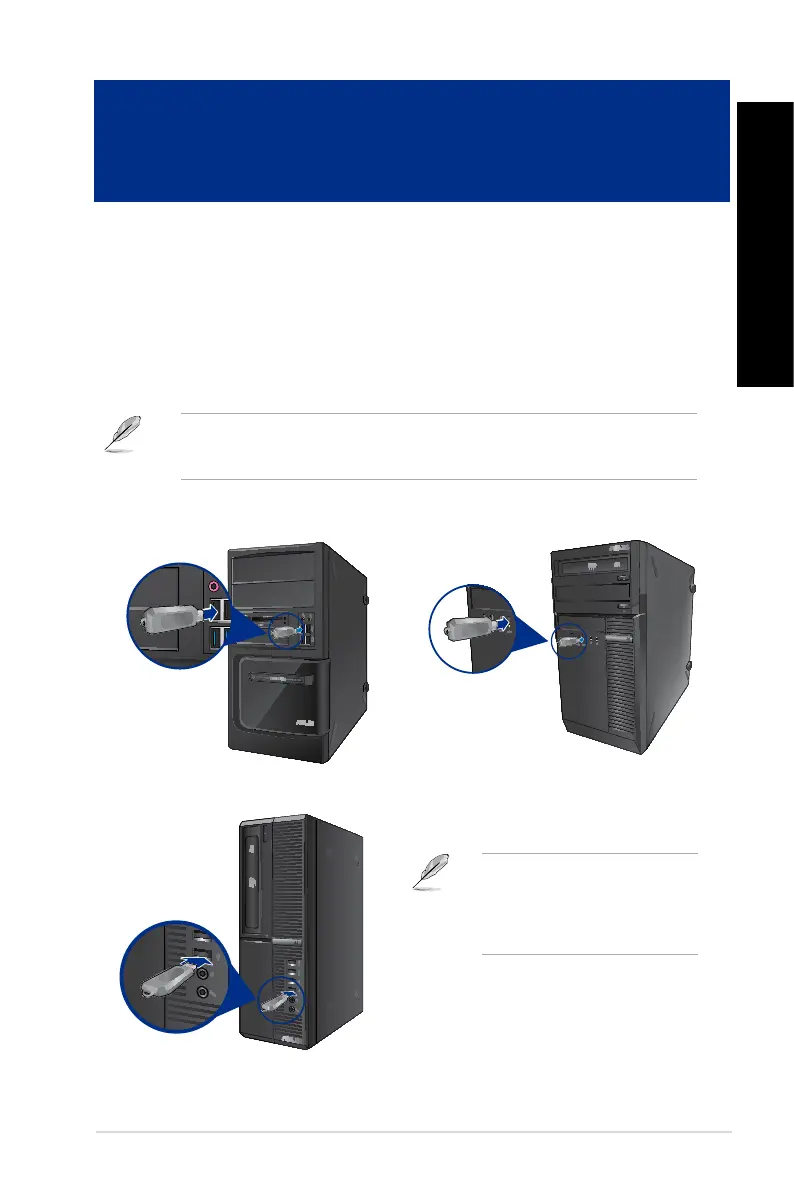
To connect a USB storage device:
• InserttheUSBstoragedevicetoyourcomputer.
You can enable or disable the front and rear USB 2.0 and USB 3.0 ports individually from the BIOS
Setup. Refer to the Conguring the USB ports using the BIOS section in Chapter 3 of this User
Guide for details.
Front panel
For details, refer to the section
Removing a USB storage device in
the Windows
®
7 / Windows
®
8.1 User
Guide, which can be found in this
guide.
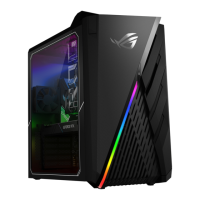
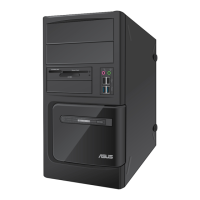
BM6635 (MD560)
BM6835
BP6335 (SD560)
ASUS BM6635 (MD560), BM6835, and BP6335 ( SD560) 31
ENGLISH
ENGLISH
Chapter 2
Connecting devices to your computer


 To Next Page