English
7
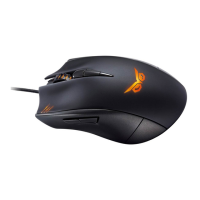
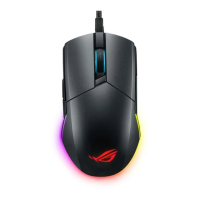
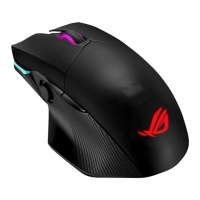
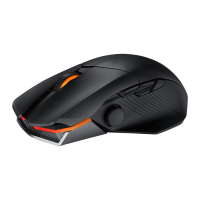
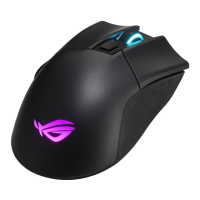
Check your ASUS Strix Claw Optical Gaming Mouse package for the following items:
• ASUSStrixClawOpticalGamingMouse
• QuickStartGuide
• DriverInstallationCD
If any of the above items is damaged or missing, contact your retailer immediately.
Package Contents
System Requirements
To ensure a successful installation of ASUS Strix Claw optical gaming mouse, your
computer must meet the following requirements:
• PCwithanavailableUSB2.0port
• Microsoft
®
Windows
®
8.x / 7
• 150MBavailableHDDspace
• CD-ROMdrive(orDVD-ROM)driveforCDinstallation
Driver Installation
To install the driver for ASUS Strix Claw optical gaming mouse:
1. Connect your mouse to your computer’s USB 2.0 port.
2. Insert the bundled CD into the optical drive.
3. Locate and run the Installer.
4. Follow the on-screen instructions to finish the driver installation.
Performance Tweak
For precise and accurate tracking performance, we recommend that you set the
mouse pointer speed at midpoint from Windows® Control Panel > Mouse > Pointer
Options, and untick the option Enhance pointer precision.




 To Next Page