English
9
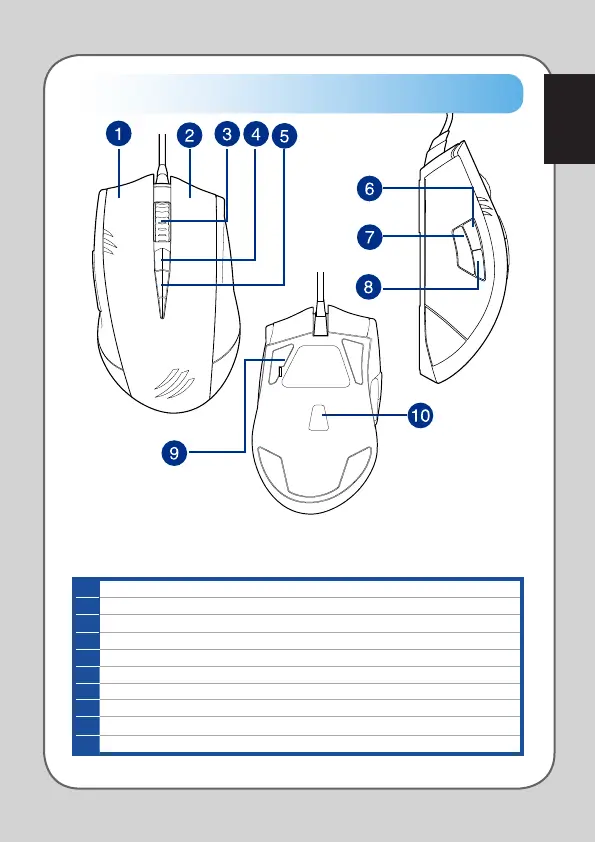
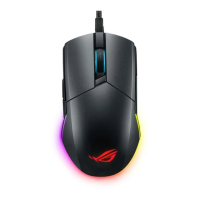
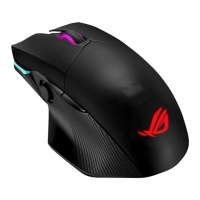
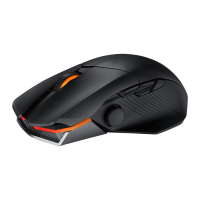
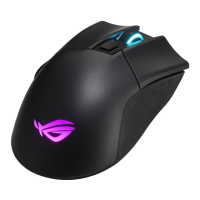
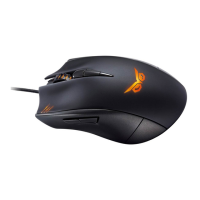
Knowing your Strix Claw Gaming Mouse
Your ASUS Strix Claw Optical Gaming Mouse comes with a left button, a right button,
a scroll wheel, three side buttons, and some specially designed buttons.
Left button
Right button
Scroll wheel
Default DPI Stage Up
5 Default DPI Stage Down
6 Default Forward
7 DPI clutch
8 Default Backward
9 Ultra-slick high-performance Teflon mouse feet
10 5000dpi high-precision gaming grade optical sensor with a 50dpi increment




 To Next Page