English
15
Safety and Maintenance
Safety Guidelines
• Avoidlookingdirectlyatthetrackingbeamofthemouseorpointingthebeamat
other people’s eyes.
• If your device does not work properly and troubleshooting does not work,
unplug the device and contact the ASUS Service Center for assistance. DO NOT
attempt to service or fix the device yourself.
• DO NOT disassemble the device as doing so will void its warranty.
• Keep the device away from liquid, humidity or moisture. Operate the device only
within the specific temperature range of 0
o
C (32
o
F) to 40
o
C (104
o
F).
Maintenance and Use
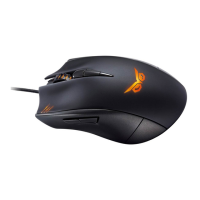
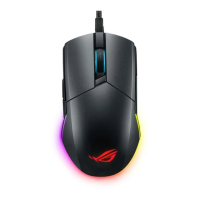
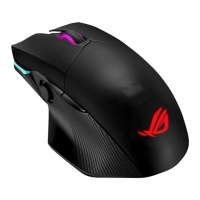
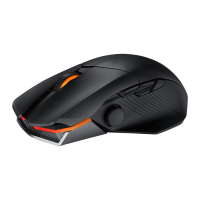
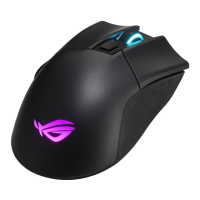
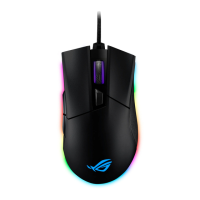
The Strix Claw gaming mouse requires minimum maintenance to keep it in optimum
condition. We recommend that you clean it once a month using a soft cloth or cotton
swab with a bit of warm water. DO NOT use soap or harsh cleaning agents.




 To Previous Page