35
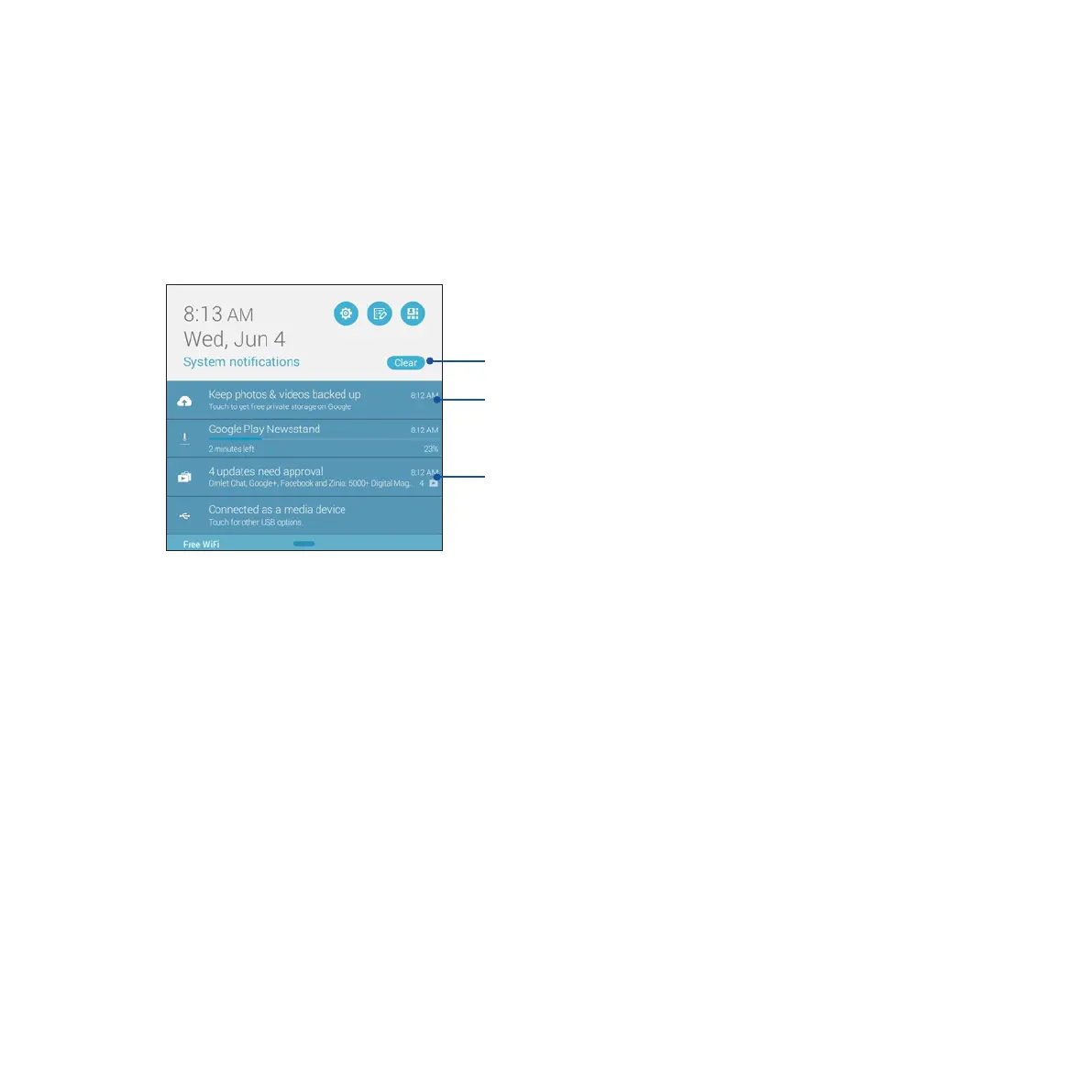
Using System notications
Inside System notications, you can see the latest updates done and system changes made on your ASUS
Tablet. Most of these changes are data and system-related. The System notications screen is intuitive and can
be navigated through the following ways:
Tap this to delete all of the listed notications.
Swipe the notication to the left or
right to remove it from the list.
Tap on the notication to view its
details.














 To Next Page