TF600T
21
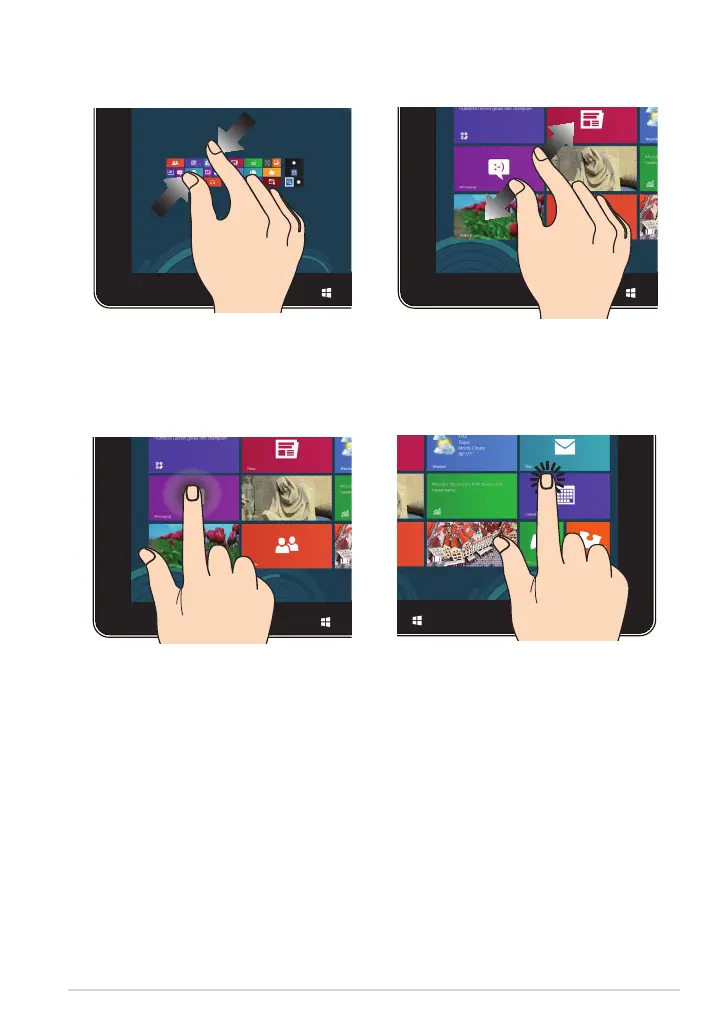
Zoom out Zoom in
Bring together your two ngers on the
touch panel.
Spread apart your two ngers on the
touch panel.
Tap and hold Tap/Double tap
To move an app, tap and hold
the app tile and drag it to a new
location.
To close an app, tap and hold the
top side of the running app and
drag it down to the bottom of the
screen to close it.
•
•
Tap an app to launch it.
On Desktop mode, double-tap an
application to launch it.
•
•














 To Next Page