TF600T
29
Using the Touchpad
One nger gestures
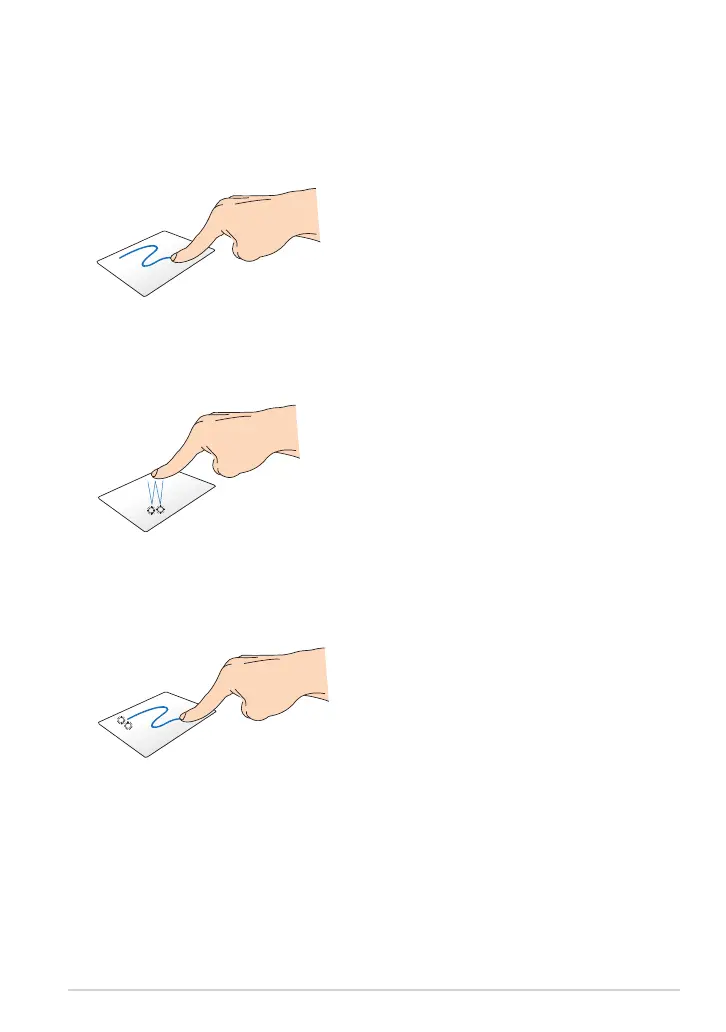
Drag and drop
Double-tap an item, then slide the
same nger without lifting it o the
touchpad. To drop the item to its
new location, lift your nger from the
touchpad.
Finger slide
Slide your nger across the touchpad
to move the pointer.
Tap/Double tap
In the Start screen, tap an app to
launch it.
In Desktop mode, double-tap an
item to launch it.
•
•














 To Next Page