ASUS Tablet PC User Manual
30
Two-nger gestures
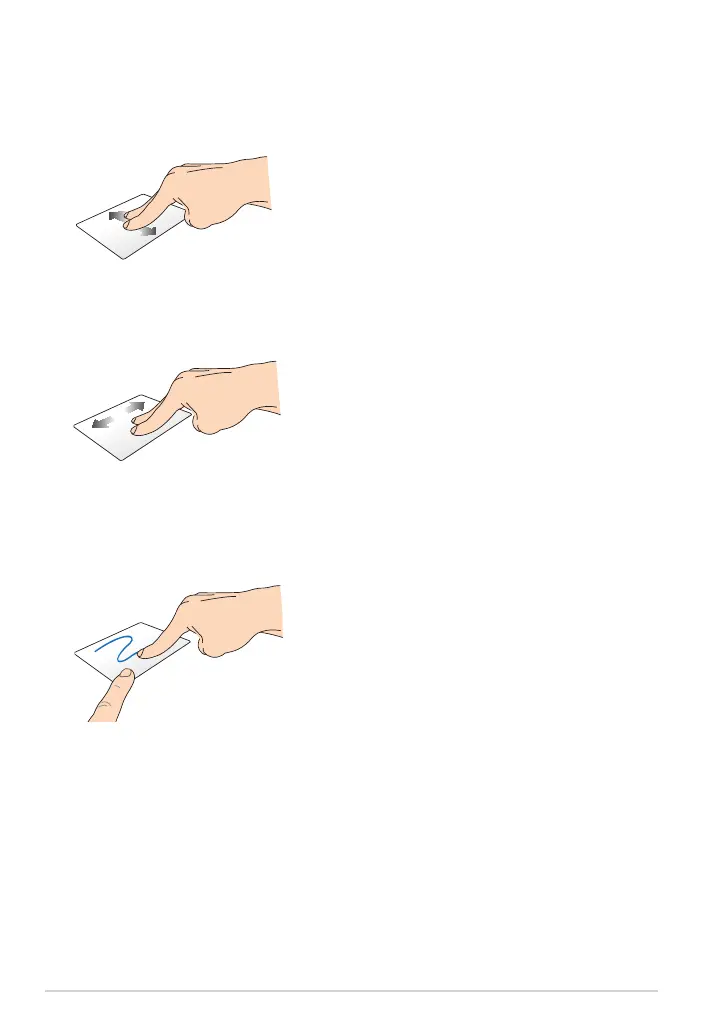
Two-nger scroll (up/down)
Slide two ngers to scroll up or down.
Drag and drop
Select an item then press and hold
the left-click button. Using your other
nger, slide down the touchpad to
drag and drop the item to a new
location.
Two-nger scroll (left/right)
Slide two ngers to scroll left or right.














 To Next Page