TF600T
31
Function keys
The function keys on your Tablet PC’s mobile dock can trigger actions inside the
Start screen and Desktop Mode of Windows® RT.
NOTE: The keyboard layout on your mobile dock varies with country or region, but
their functions remain the same.
+
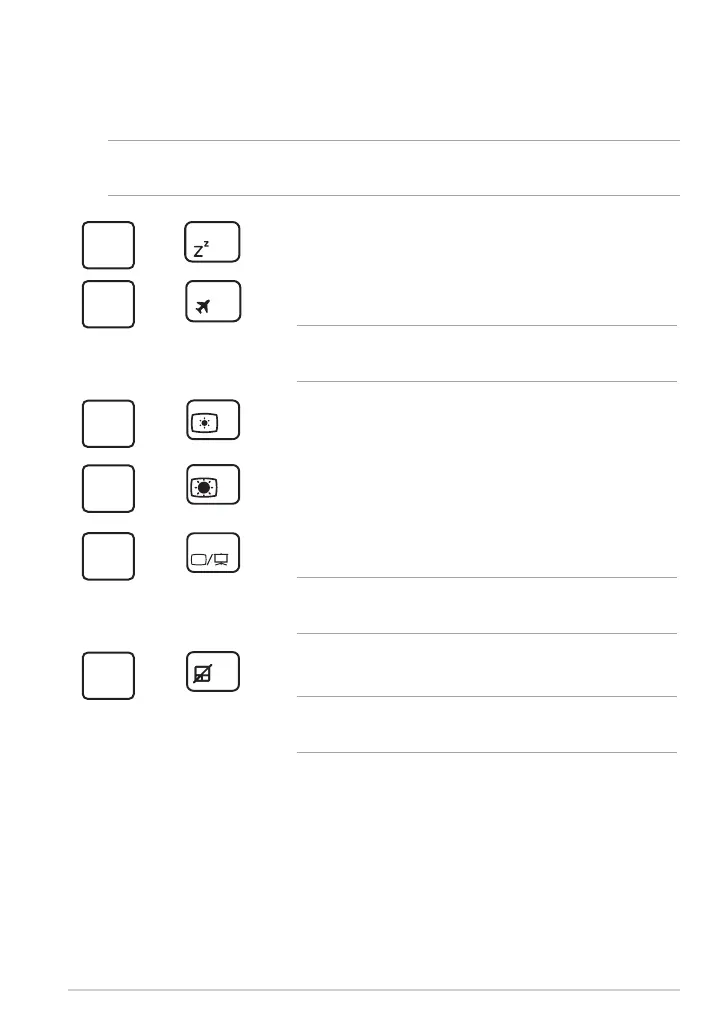
Puts the Tablet PC into Sleep mode.
+
Turns Airplane mode on or o.
NOTE: When enabled, the Airplane mode disables all
wireless connectivity.
+
Decreases the display brightness.
+
Increases the display brightness.
+
Activates the second screen settings.
NOTE: Ensure that a second display is connected to
your Tablet PC.
+
Enables or disables the touchpad.
NOTE: The light indicator above this key lights up when
you disable the touchpad.














 To Next Page