ASUS Tablet PC User Manual
26
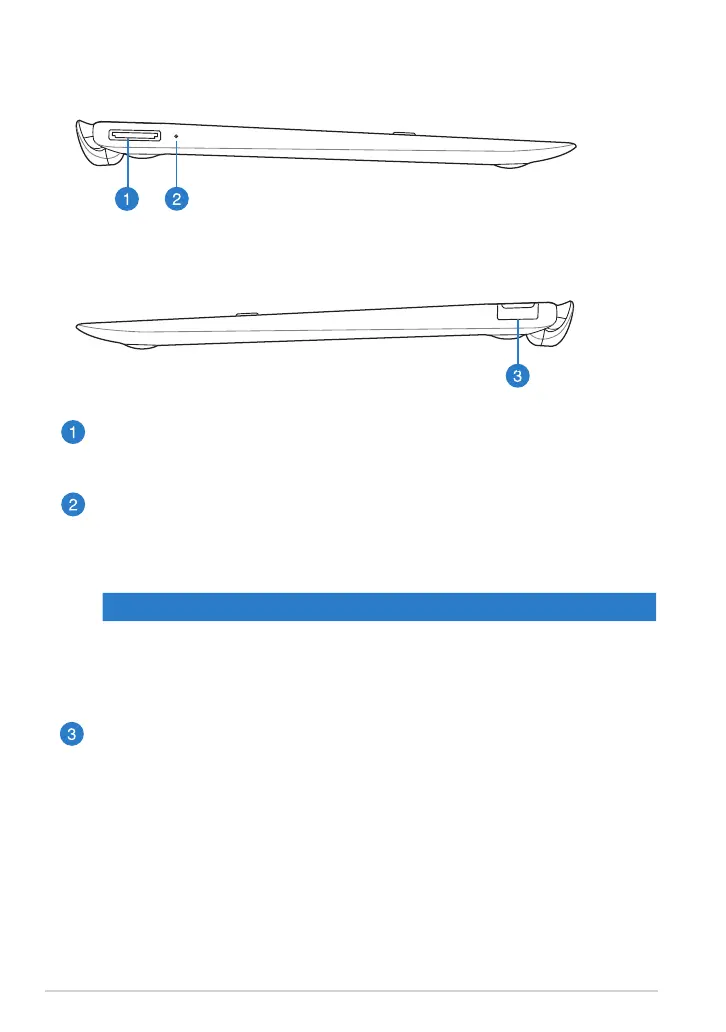
Left view
Right view
USB Dock port
Insert the USB Dock cable into this port to supply power to your mobile
dock and charge the internal battery pack.
Battery charge indicator
This two-color LED provides a visual indication of the battery’s charge
status.
Refer to the table below for details:
Color Status
White Fully charged.
Orange Charging mode.
Dim The AC adapter is not plugged to the mobile dock.
USB 2.0 Port
The USB (Universal Serial Bus) port is compatible with USB 2.0 or USB 1.1
devices such as keyboards, pointing devices, ash disk drives, external
HDDs, speakers, cameras and printers.














 To Next Page