ASUS Tablet PC User Manual
52
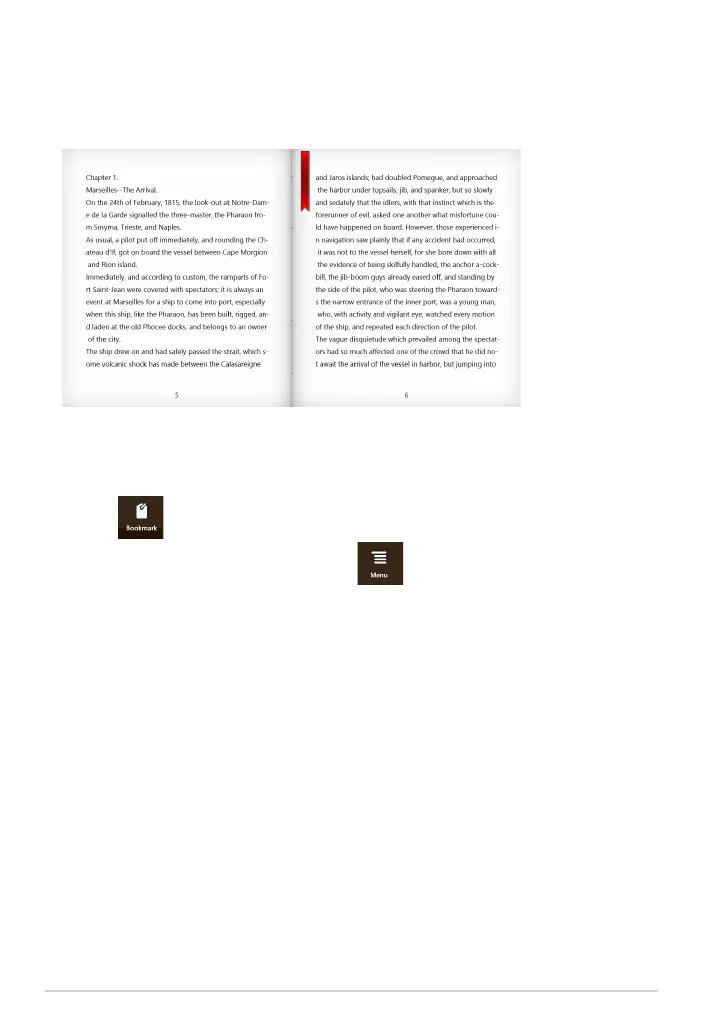
To place a bookmark:
1. Swipe from the top or bottom edge of the e-book to show the settings bar.
2. Tap to mark the page. You can also mark as many pages as you like.
3. To view the bookmarked pages, tap , then tap the page that you want
to open.
Placing a bookmark
The bookmark allows you to mark the pages of a book so that you can easily
return to the last page you read.














 To Next Page