TF810C
23
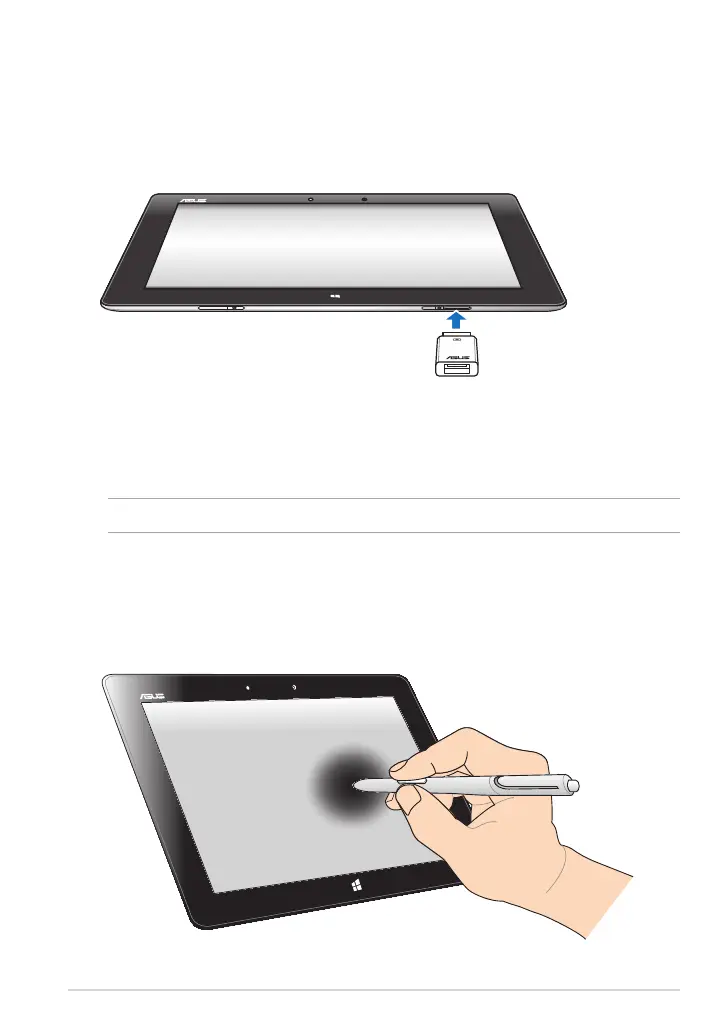
Using the USB dongle
The USB dongle allows you to connect a USB device to your Tablet PC. With the
bundled USB dongle inserted, you can connect and access the contents of your
ash drives or external HDDs, connect an external USB speaker, use a mouse or a
keyboard and other USB devices.
To use the USB dongle:
A. Connect the bundled USB dongle’s connector to your Tablet PC’s dock port.
B. Insert the USB device to the USB dongle’s USB port.
IMPORTANT! Ensure that the 36-pin USB dongle is fully inserted to your Tablet PC.
Using the stylus pen
The bundled stylus pen allows you to input commands on your Tablet PC. With
your stylus pen, you can make selections, draw or sketch on the touch screen
panel.














 To Next Page