ASUS Tablet PC User Manual
50
Featured ASUS apps
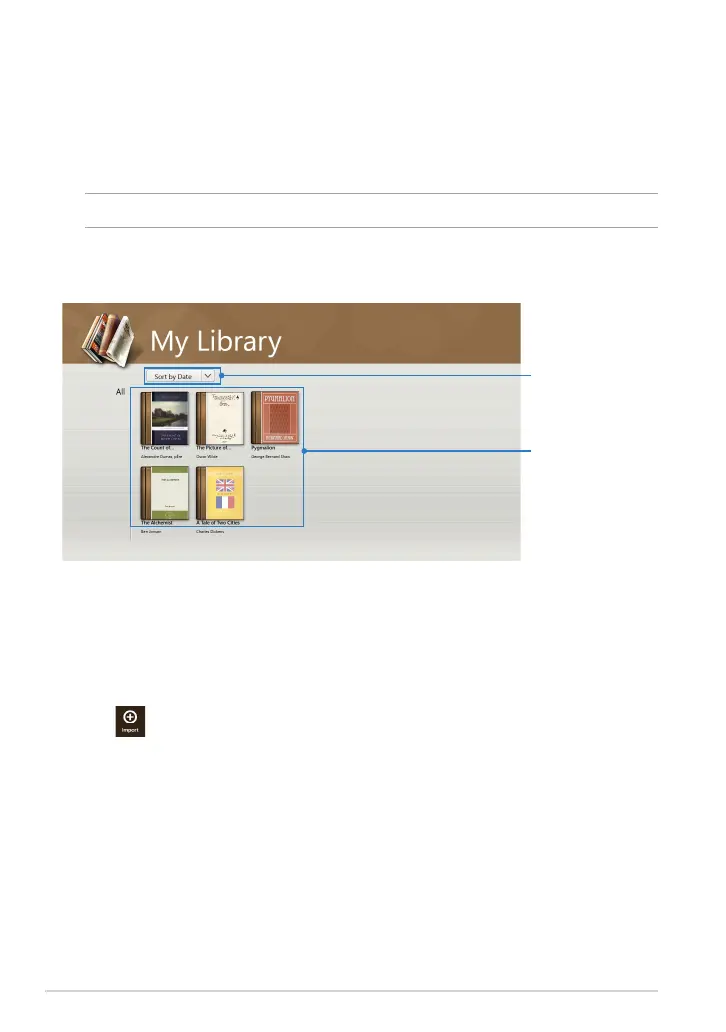
My Library
My Library, an integrated interface for your book collections, allows you to place
and sort your purchased or downloaded e-books by title, author, and date.
NOTE: MyLibrary only supports e-books in ePub format.
Tap to sort by
author, date, or title
Books
Importing e-books
To import more e-books in your bookshelf, you can perform the following steps
below:
1. Swipe from the top or bottom of the screen to launch the settings bar.
2. Tap then tap Files to locate the e-books that you want to add in your
bookshelf.
My Library main screen














 To Next Page