ASUS Tablet PC User Manual
40
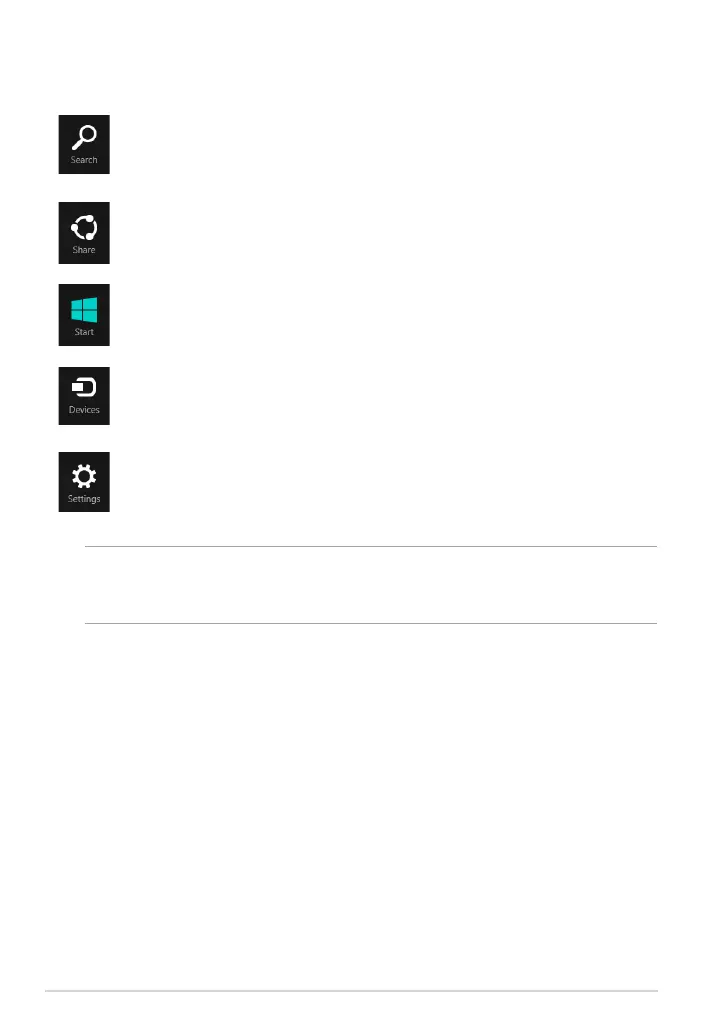
Inside the Charms bar
Search
This tool allows you to look for les, applications, or programs in your
Tablet PC.
Share
This tool allows you to share applications via social networking sites or
e-mail.
Start
This tool reverts the display back to the Start screen. From the Start
screen, you can also use this to revert back to a recently opened app.
Devices
This tool allows you to access and share les with the devices attached
to your Tablet PC such as an external display or printer.
Settings
This tool allows you to access the settings of your Tablet PC.
NOTE: To ensure that your mobile dock (optional) is also updated with the latest
update from Windows®, dock the Tablet PC on the mobile dock when you see the
Windows® update notication.














 To Next Page