EasyManua.ls Logo

Asus WL-330N3G - User Manual

Asus WL-330N3G
70 pages
Print Icon
To Next Page IconTo Next Page
Loading...
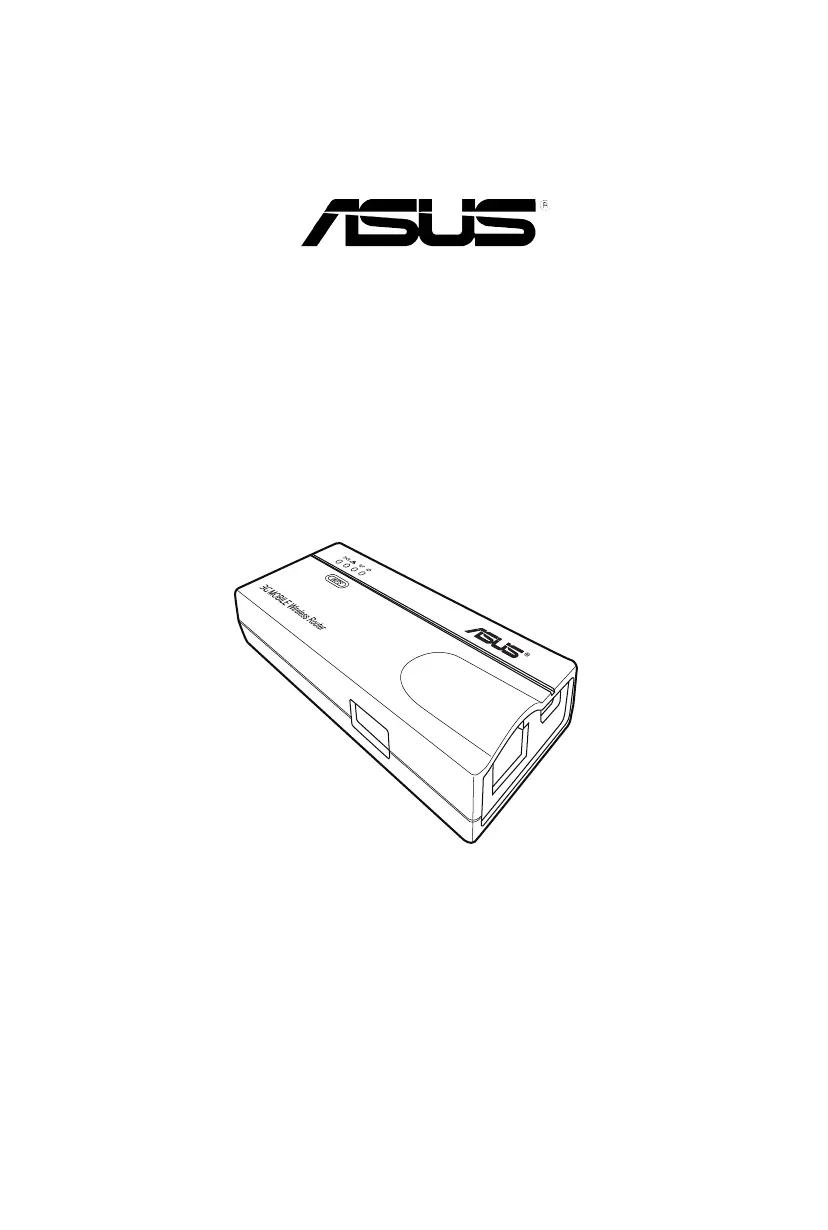
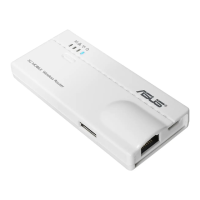
3G Mobile Wireless Router
(WL-330N3G)
User Guide

Questions and Answers

  • K
    Kevin HarrisonAug 10, 2025
    How to fix Asus WL-330N3G that does not power up?
    • B
      Benjamin WhiteAug 10, 2025
      If the ASUS Mobile Wireless Router doesn't power up, use a test meter to measure the voltage output of the power source through the power plug. Also, check if the power plug is properly connected to the device.
  • C
    Carol JeffersonAug 18, 2025
    What to do if the wireless client cannot get IP from ASUS Wireless Router?
    • J
      jimmyowenAug 18, 2025
      If a wireless client can't get the correct IP from the ASUS Mobile Wireless Router's DHCP server, first ensure the DHCP server is working properly. If issues persist, assign a fixed IP address to your ASUS Mobile Wireless Router.
  • S
    Stanley FordAug 25, 2025
    Why is my ASUS Wireless Router throughput so slow?
    • S
      Samuel SmithAug 26, 2025
      Slow throughput on your ASUS Mobile Wireless Router can be influenced by several factors. Avoid placing the device behind metal objects and clear any obstacles between the router and the device. Try moving the client closer to the ASUS Mobile Wireless Router to see if the throughput increases. For extended coverage, consider adding a second ASUS Mobile Wireless Router to implement roaming.
  • D
    Daniel CrawfordSep 2, 2025
    What to do if ASUS Wireless Router Power LED keeps blinking?
    • B
      Bradley WallaceSep 2, 2025
      If the ASUS Mobile Wireless Router Power LED continuously blinks for more than a minute, turn off the ASUS Mobile Wireless Router, then turn it on again to see if the blinking stops. If it continues, you may need to restore the ASUS Mobile Wireless Router firmware using the Firmware Restoration utility to restore or update the firmware.

Summary

Safety and Compliance Information

FCC and RF Exposure Guidelines

Information on FCC compliance, RF exposure limits, and safety statements.

Guide Overview and Contact Information

Information on guide organization, conventions, and ASUS contact details.

Product Introduction

Package Contents and Features

Lists included items and highlights router capabilities and physical features.

Network Operation Modes

Explains the six distinct modes of operation for the wireless router.

Hardware Installation

System Requirements and Preparation

Lists necessary hardware and software for installation and guidelines for placement.

Installation Process

Step-by-step instructions for connecting and installing the device.

Utilities

Installing and Launching Utilities

Guide to installing and accessing software utilities from the support CD.

Using Device Utilities

How to launch and utilize essential utilities like Device Discovery and Firmware Restoration.

Configuration

Accessing and Basic Setup

Steps to access the web GUI and configure initial network settings like TCP/IP.

Configuring Operation Modes

Detailed setup for Router, AP, Repeater, Hotspot, Ethernet Adapter, and 3G Sharing modes.

Advanced Settings

Comprehensive guide to advanced wireless, LAN, WAN, firewall, and administration settings.

Using the Device

Local Network Connectivity

Instructions for connecting computers to the router within a local network.

Cable Replacement and Sharing

Using the router to replace wired connections and share internet access with other devices.

Troubleshooting and Support

Common Problem Resolution

Solutions for common issues like power, connectivity, and client association problems.

Asus WL-330N3G Specifications

General IconGeneral
Device TypeWireless Router
Wireless Standard802.11b/g/n
Frequency Band2.4 GHz
Wireless SpeedUp to 150 Mbps
Security64/128-bit WEP, WPA, WPA2, WPS
AntennaInternal antenna
Wireless Data Rates802.11b: 1, 2, 5.5, 11 Mbps 802.11g: 6, 9, 12, 18, 24, 36, 48, 54 Mbps 802.11n: up to 150 Mbps
Ports1 x 10/100M WAN, 1 x 10/100M LAN
Power Supply5V DC, 1A
Operating Temperature0 to 40 °C
Storage Humidity5% to 95% (non-condensing)
FirewallNAT
Storage Temperature-20°C to 70°C (-4°F to 158°F)
Operating Humidity20% to 90% non-condensing

Related product manuals