Disassembly Procedure
5
Appropriate Tools
The illustrations below show the appropriate tools that should be used for the
notebook’s service and repair.
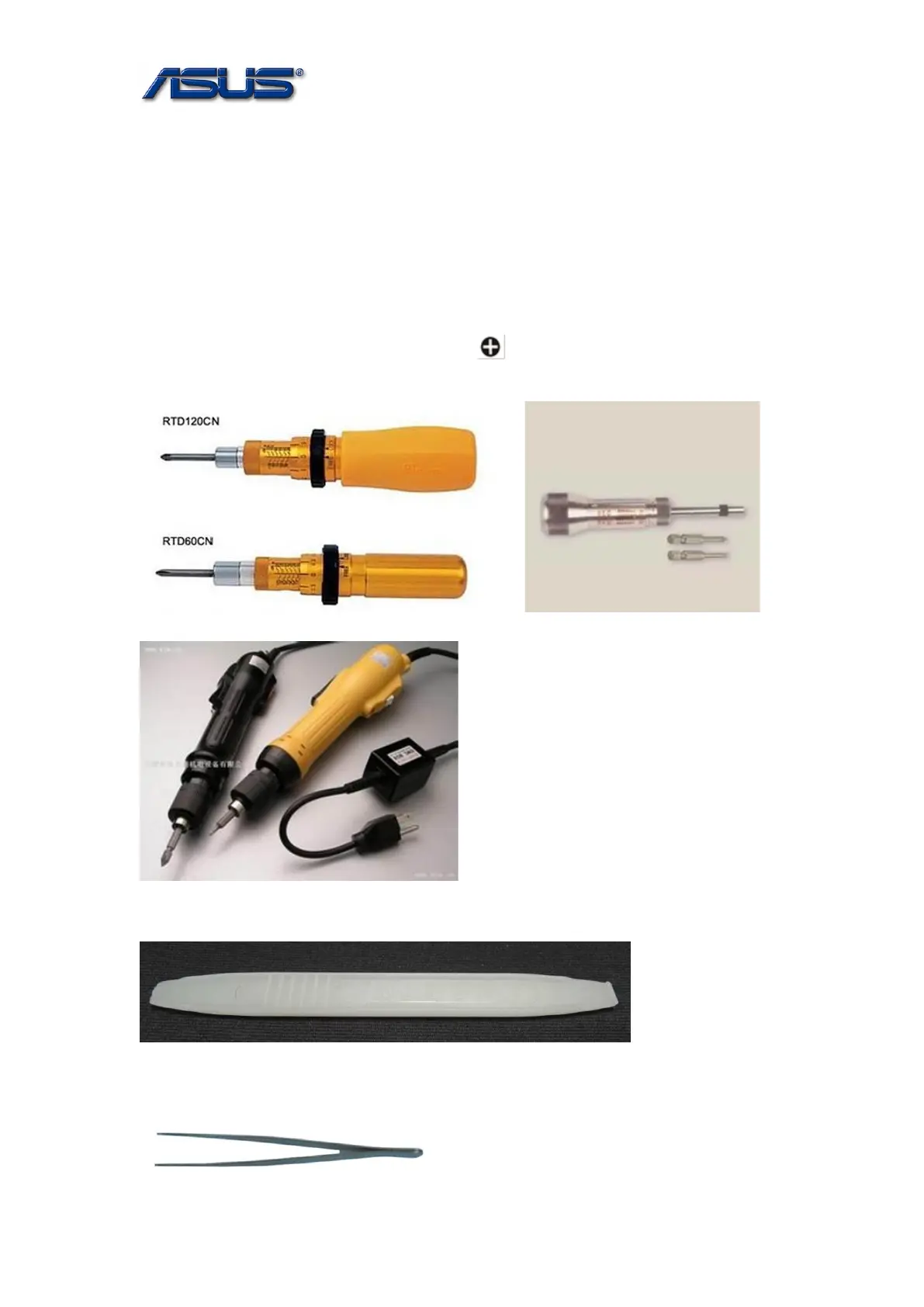
➢ Cross Screwdriver
Please accord to different screw specification to choose different screwdriver and head.
Below photos are for reference only.
Use a cross screwdriver to fasten/remove screws.
➢ Plastic Blade
➢ Tweezers
Use a pair of tweezers to remove/insert flexible cables.



 To Next Page