41
ASUS Xonar DSX
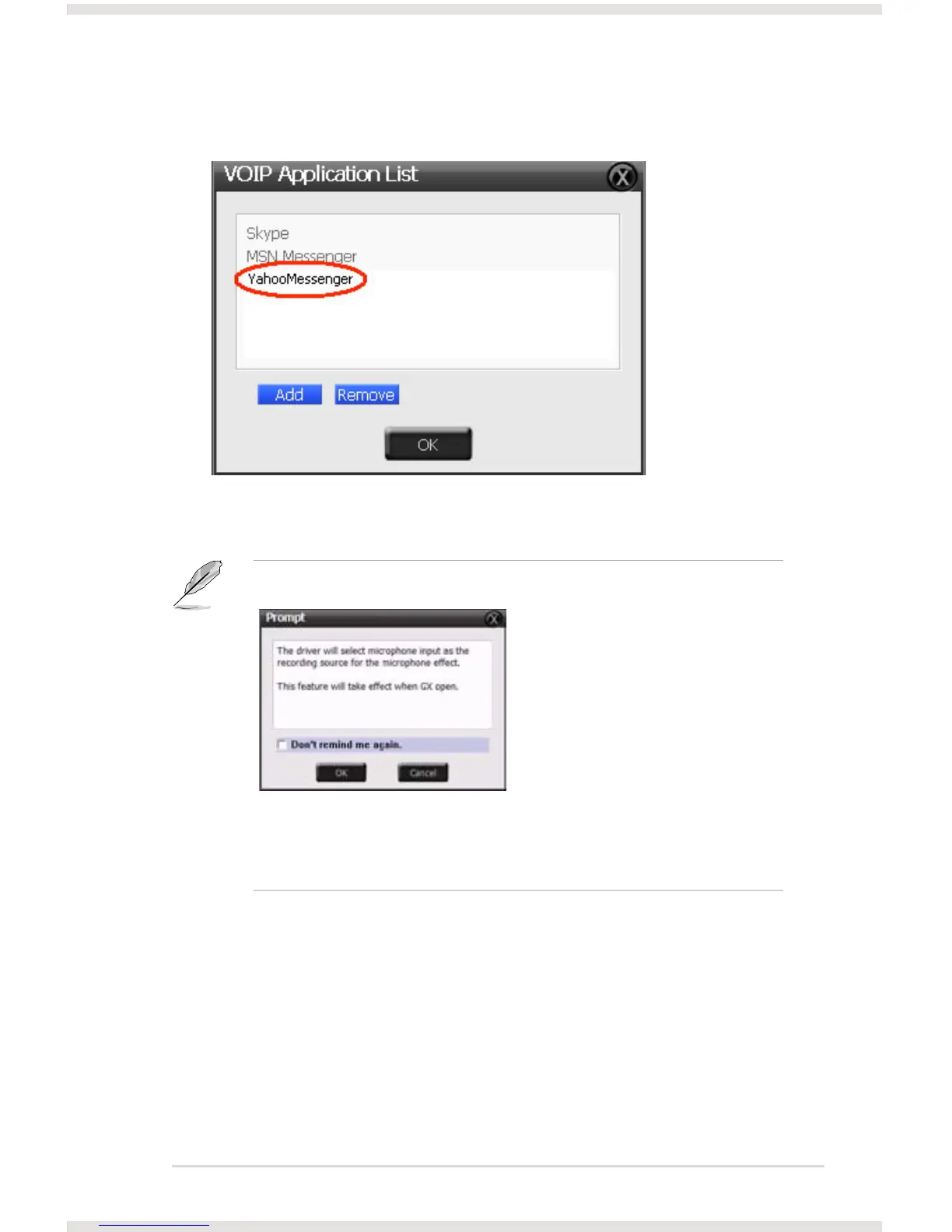
4. Your VOIP application has been added into list.
5. Check the check box of ChatEX and Magic Voice.
6. You can use ChatEX and Magic Voice when you chat online.
Click the checkbox to enable VocalFX function, then a prompt
message will pop up:
This message implies the record device will be set to microphone.
Make sure the GX function is enabled. Click “OK” to accept it, or
“Cancel” if you want to enable it later. Check “Don’t remind me again” if
you don’t want to see this message pop up next time.



 To Next Page