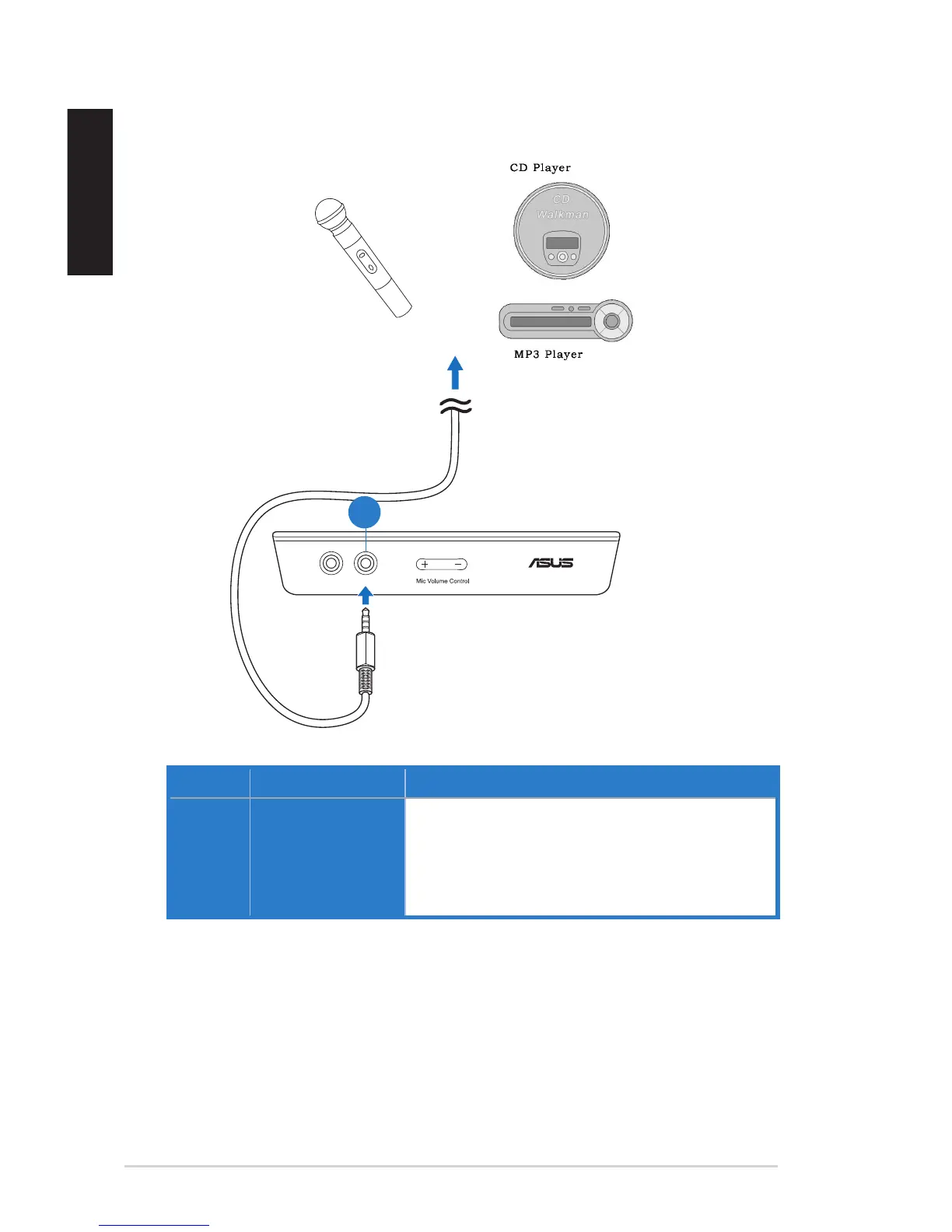
4.1.3 Connecting microphone / Line-In
No. Items Description
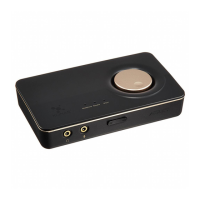
1. Microphone In /
Line In port
Connect the microphone’s 3.5mm plug into this Mic-In
port for voice communication, recording, or karaoke.
Connect the 3.5mm plug of the CD/MP3 Player or any
other Line level analog audio sources into this Line-In
port for sound recording.
OR


 To Next Page