10
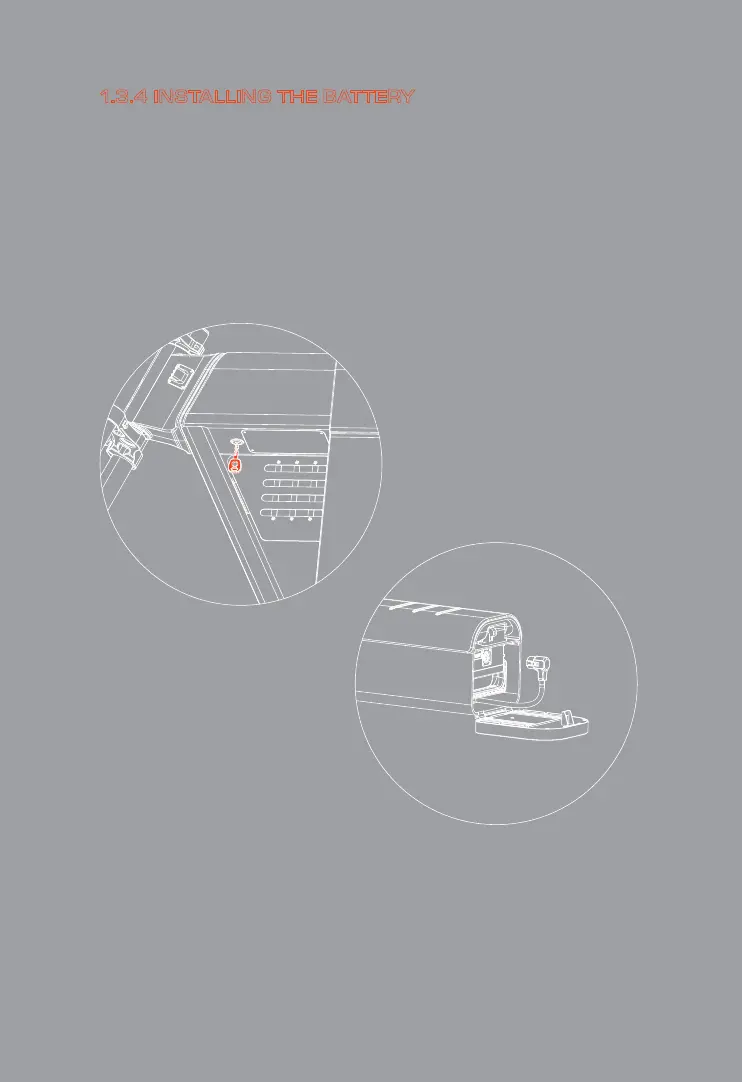
1. Use the key to open the taillight cover (turn the key clock-
wise).
2.Check batte power (press the batte button and check the
blue LED display light at the top of the batte. Charge the
batte rst if the LED ashes blue).
3.Put the batte back in and plug in the batte connector
(Inse the power plug to the bottom).
4. Charge the batte if necessa.
1.3.4 INSTALLING THE BATTERY



 To Next Page