19
1.Plug the charger into the batte connector and connect it to
the power supply for charging.
2.When charging is complete, remove the charger promptly.
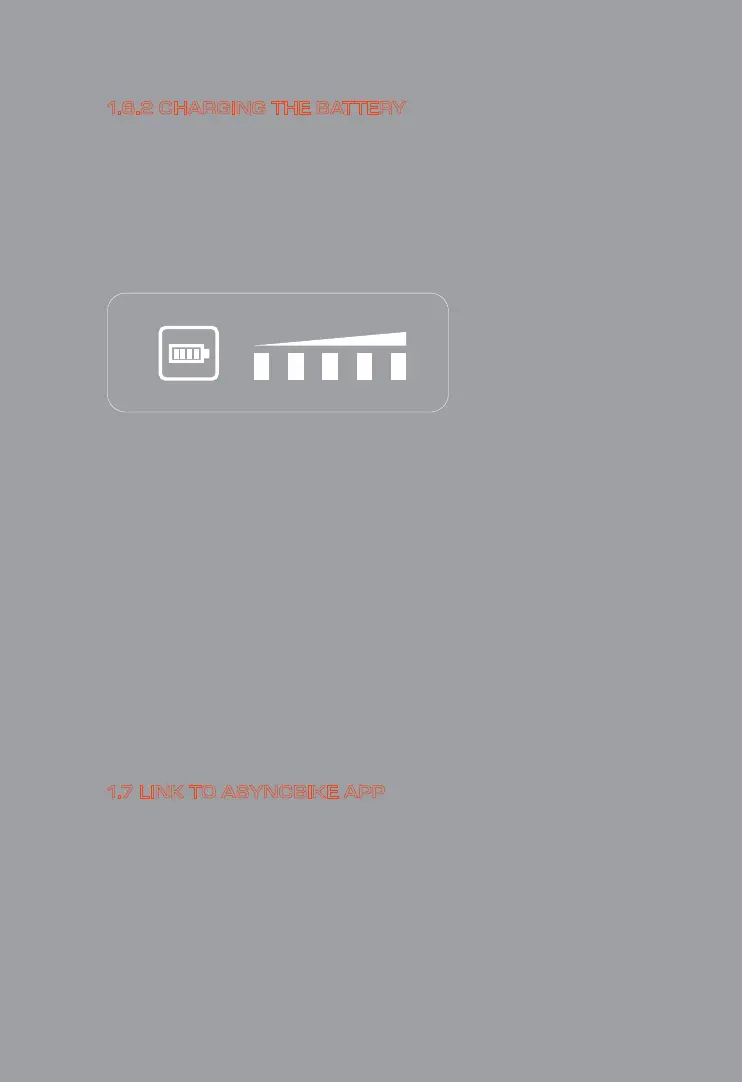
The LED lights on the top of the batte indicate the charge
condition of the batte. Each bar indicates approx. 20 % power
capacity. When the batte is completely charged, all ve bars light
up.
Warning: Make sure that your charger's voltage setting corresponds
to that of the outlet. If the charger has the wrong settings, it will
break.
If you're unsure of what voltage is used in your count of origin,
please rst check online or ask your electric utility provider.
1.Download "Asyncbike" APP on your smaphone (Available
on IOS and Android)
2. Follow the instructions on APP to link your bike to Asyncbike APP.
1.6.2 CHARGING THE BATTERY
1.7 LINK TO ASYNCBIKE APP



 To Next Page