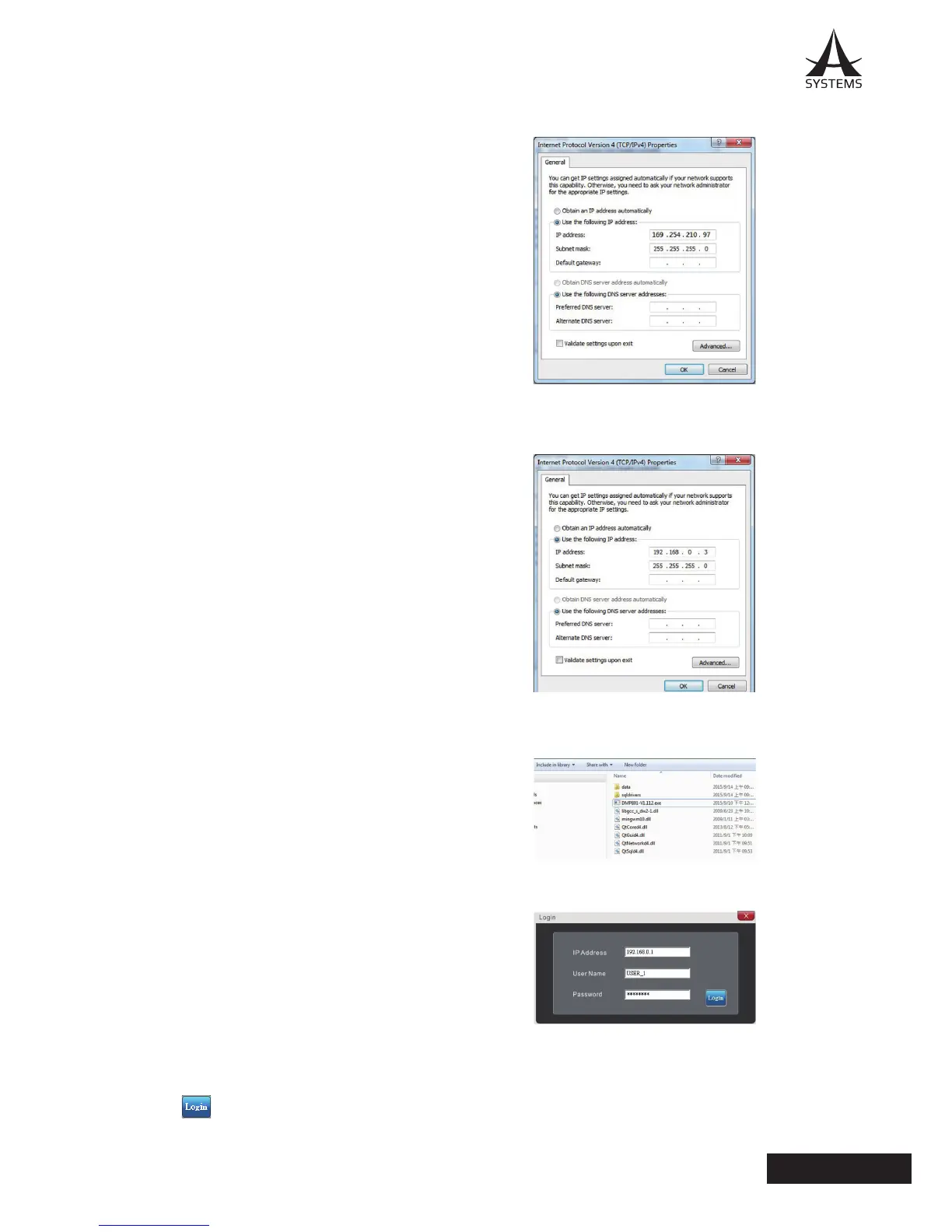
10� Please make a note of the current settings for future reference�
11� Change the IP Address to “192�168�0�03” and click “OK”�
12. Select the executable le (.exe) inside the DMP808 Control Software folder.
13� On login page, enter the following information�
IP Address: 192�168�0�1
User Name: USER_1
Password: ASYSTEMS
*In the unfortunate event that you forget the User
Name and/or Password, please enter the following
information to retrieve them�
User Name: Admin
Password: ASYSTEMS
14� Click to begin the installation�



 To Next Page