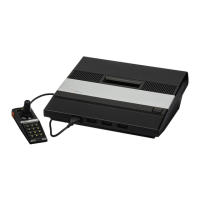
Magic Knight S-Video Installation – A7800
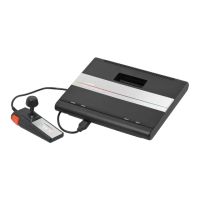
This is a Basic Install guide – because this is a really easy mod to do! This guide will only focus on the install for NTSC
Atari 7800 systems.
NOTE: – This guide assumes you can use a soldering iron and understand the basics of where what needs to be
connected in regards to wires onto the AV out connections as that won’t be detailed here.
Tools Needed –
#2 Phillips screwdriver – For taking the 7800 case apart
Need nose pliers – to assist with bending the RF shield tabs
Soldering iron – cause that solder isn’t going to attach itself
Solder – cause the wire isn’t going to attach itself
Lengths of small gauge wire – different colors make it easier for each connection
A way to attach the mod board inside – I use 3M 10LB Velcro
RCA Jacks panel mount (1 min) – for your Audio Out
S-Video Jack panel mount – for S-Video output
Heatshrink tubing – for that slightly more professional look
Small cable ties – for even more professional look and to keep the wires together
Multimeter – to verify continuity of connections and check for shorts
Let’s Get Started –
1. Start by removing the top cover from the 7800 by removing the 5 screws along the bottom of the case. Two in
the rear section, three in the front. (Set top case aside)
©2019 – Cro§Bow - Ivory Tower Collections

 Need help?
 General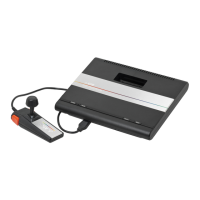






 To Next Page