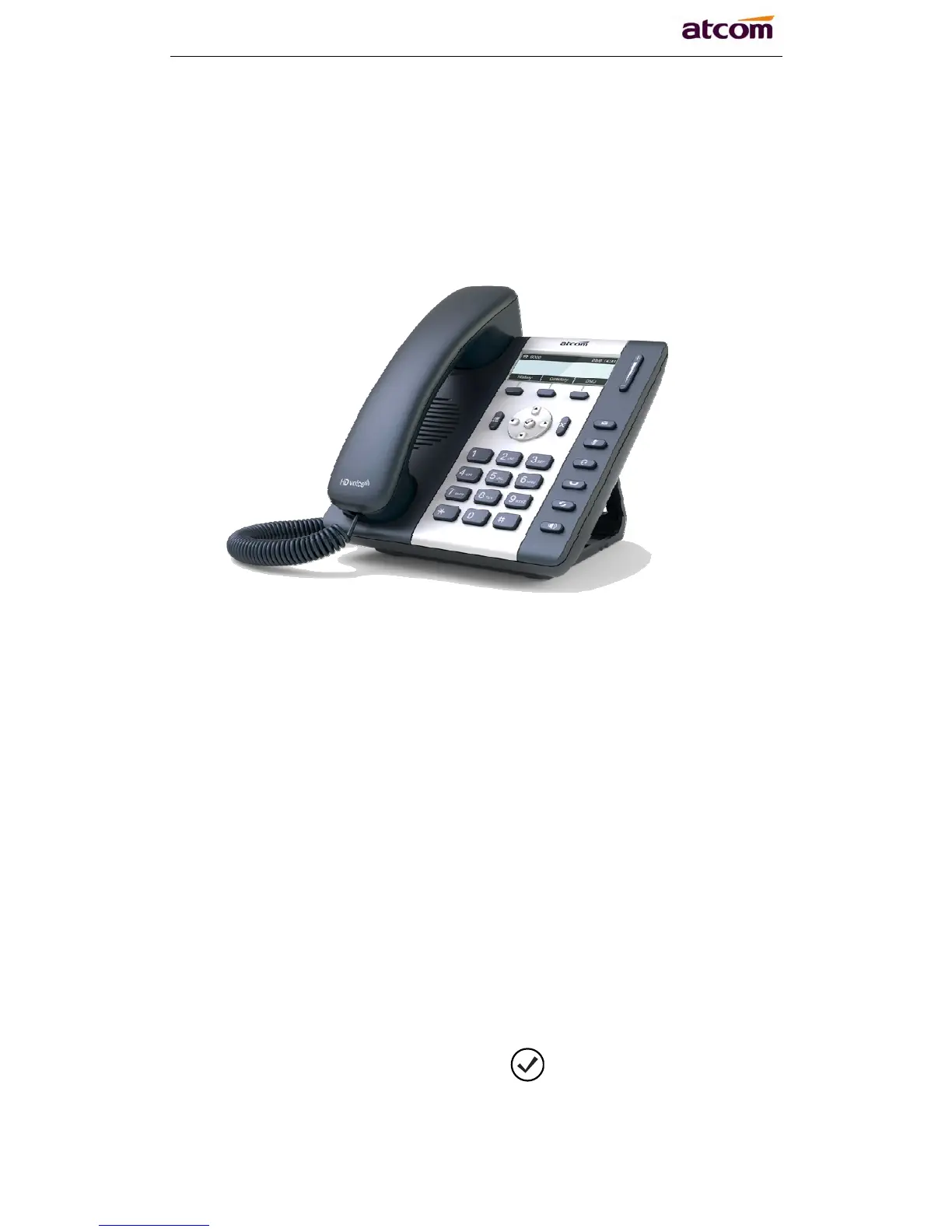
A10/A11/A10W/A11W Quick Start Guide
ATCOM TECHNOLOGY CO., LIMITED
2 Configuring phone
A10/A11/A10W/A11W
2.1 Configuring via keypad
Language Setting: The default language of the phone is English, it supports
Chinese, Russian, Arabic, German, French, Portuguese, Turkish, Spanish,
Hebrew, Hungarian, Italian.
Press Menu- input default password 123- Preference- Language to edit the
language list, choose the one you’d like to set on the phone.
Note: The available language maybe different, it depends on the language
packs currently loaded to the IP phone.
Network Setting:
Press Menu- input default password 123- Network- modify connect type
mode/ check IP address/VLAN/Web server to enter the internet related
configuration page.
Or review its current IP address by pressing
key when it is powered on and
connected to the network.



 To Next Page