VFS-DH Page 4 of 4
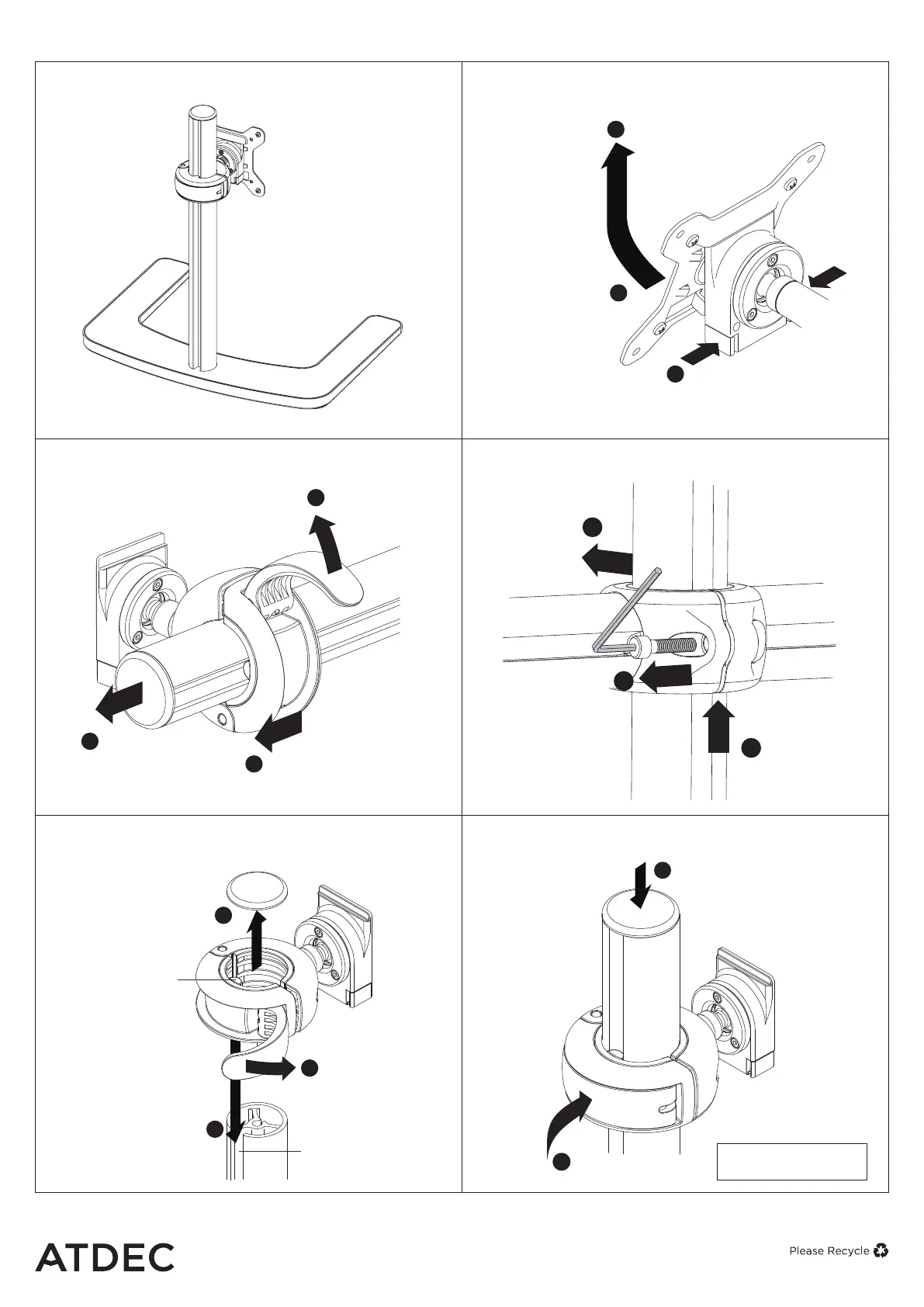
8.1 Remove monitors
8.3 Remove crossbar from pole
8.5 Lock display head onto pole
No portion of this document or any artwork contained herein should be reproduced in any way without
the express written consent of Atdec Pty Ltd. Due to continuing product development, the manufacturer
reserves the right to alter specifications without notice. ©20201207
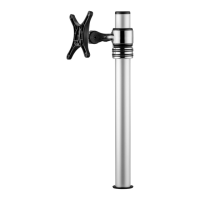
OPTIONAL 8. Switch to a single monitor mount
Preview
8.2 Slide display head off crossbar
8.4 Slide display head onto pole
UNLOCK
REMOVE
END CAP
SLIDE DISPLAY HEAD
OFF CROSSBAR
3
1
2
Slot
UNLOCK
SLIDE DISPLAY
HEAD ONTO POLE
(Ensure tongue in
display head aligns
with slot in pole)
Tongue
3
2
REMOVE
POLE CAP
1
3
PRESS AND
HOLD BUTTONS
LIFT OFF MONITOR
PULL OUT BOTTOM
OF MONITOR
2
1
SUPPORT
CROSSBAR
UN-SCREW
CROSSBAR
(Use 5mm
Allen Key)
REMOVE
CROSSBAR
FROM POLE
2
1
3
REPLACE
POLE CAP
LOCK DISPLAY HEAD
Re-attach monitor
following steps 4.1 to 4.3
2
1


 To Previous Page