ATEL V810 Series Voice-Only User Manual
V5.6, June 8, 2022
dismissed once read.
Using Voice Mail
For voicemail setup and services, check with your wireless service provider for more
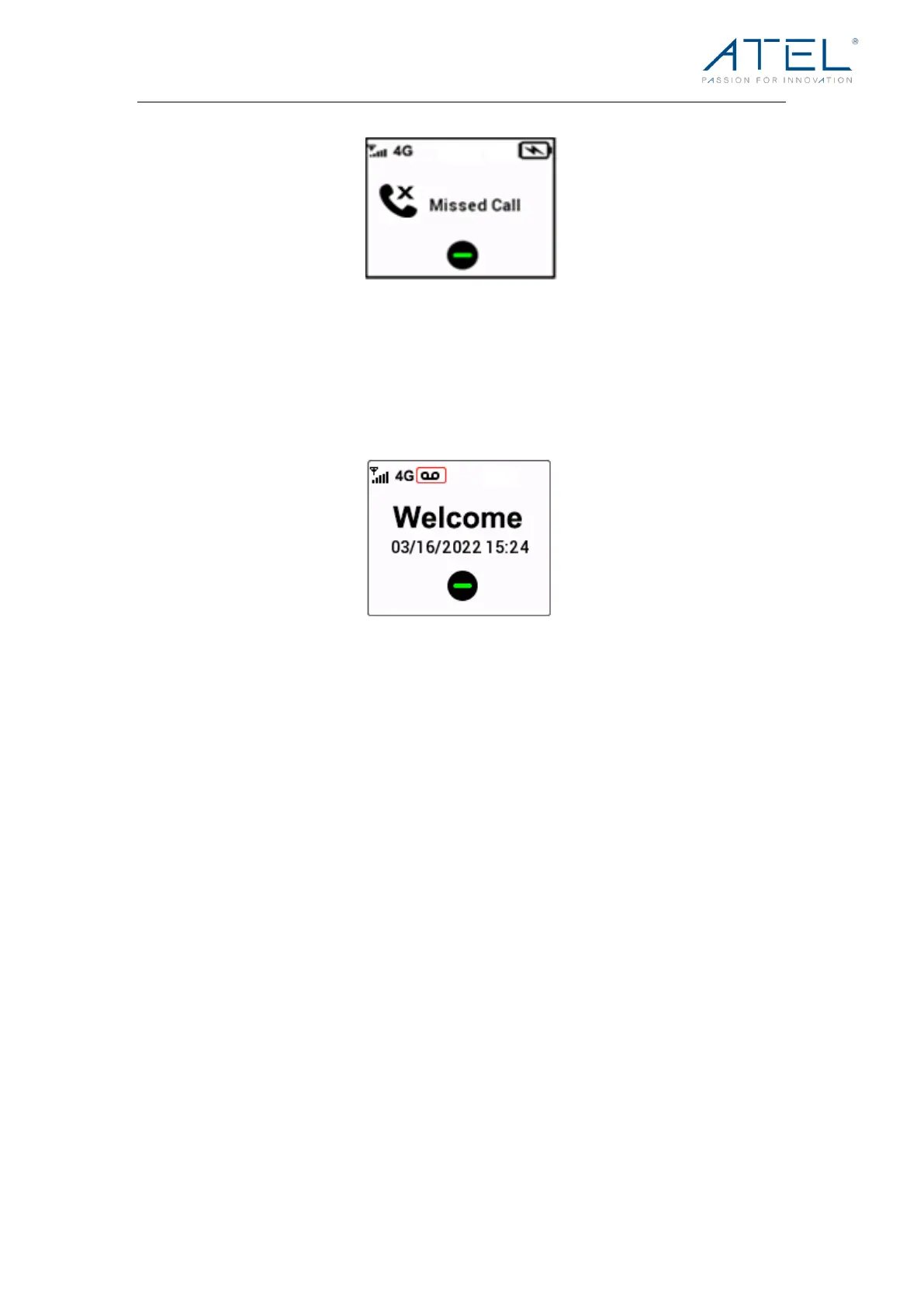
details. When you have unheard messages in your voicemail system, the voicemail icon is
displayed on V810 LCD (image below).
1. Check your wireless service provider for voicemail access instructions.
2. Follow the system prompts to listen to and manage your voice mails.
NOTE: Refer to the Troubleshooting section for additional instruction on accessing
voicemail or using a telephone answering machine as your preferred method to manage
your voice messages.
Using a Text Telephone
A Text Telephone (TTY) is used by those who are hearing, or speech impaired to translate
typed text to voice and vice versa. To use the V810 with TTY, you must first change the
TTY mode from the default (None) to one of the following modes:
· Full TTY translates both text to voice and voice to text. The person using the TTY can
type outgoing messages (which are translated to voice on the other end) as well as
read messages that have been translated from the connected caller’s voice.
· Voice Carry Over (VCO) translates incoming voice to text, allowing the person using
the TTY to speak directly to the other caller and read translated text on the TTY
screen.
· Hearing Carry Over (HCO) translates text typed to voice, allowing the person using
the TTY to type instead of speaking yet hear the connected caller’s voice.


 To Next Page