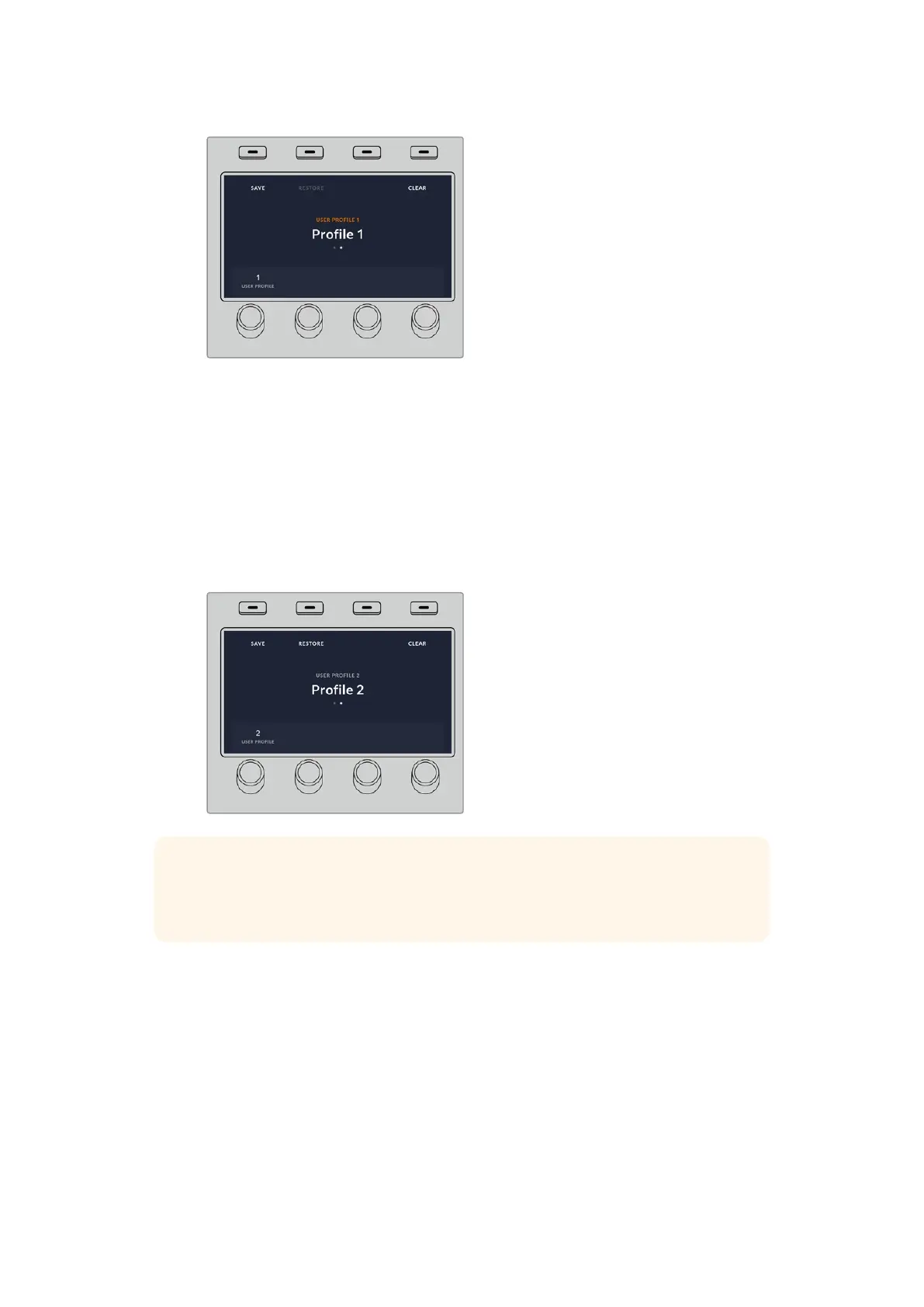
All the panel settings for that user profile will now load.
If a user profile is no longer needed, you can also clear it via the profiles menu.
To clear a user profile:
1 Press on the soft ‘profiles’ button above the LCD screen and press the right arrow
control panel button to select the second page.
2 Using the soft control knob, navigate to the user profile you want to overwrite. If the
user profile is currently in use, the text above the profile number will be orange.
3 Press the soft ‘clear’ button. The profile number will now become ‘empty’.
TIP If you try to save over an existing profile with new settings, you will be given
theoption to either overwrite the profile or create a new one when you press the
soft‘save’ button.
113Performing Transitions using ATEM Hardware Panels



 To Next Page