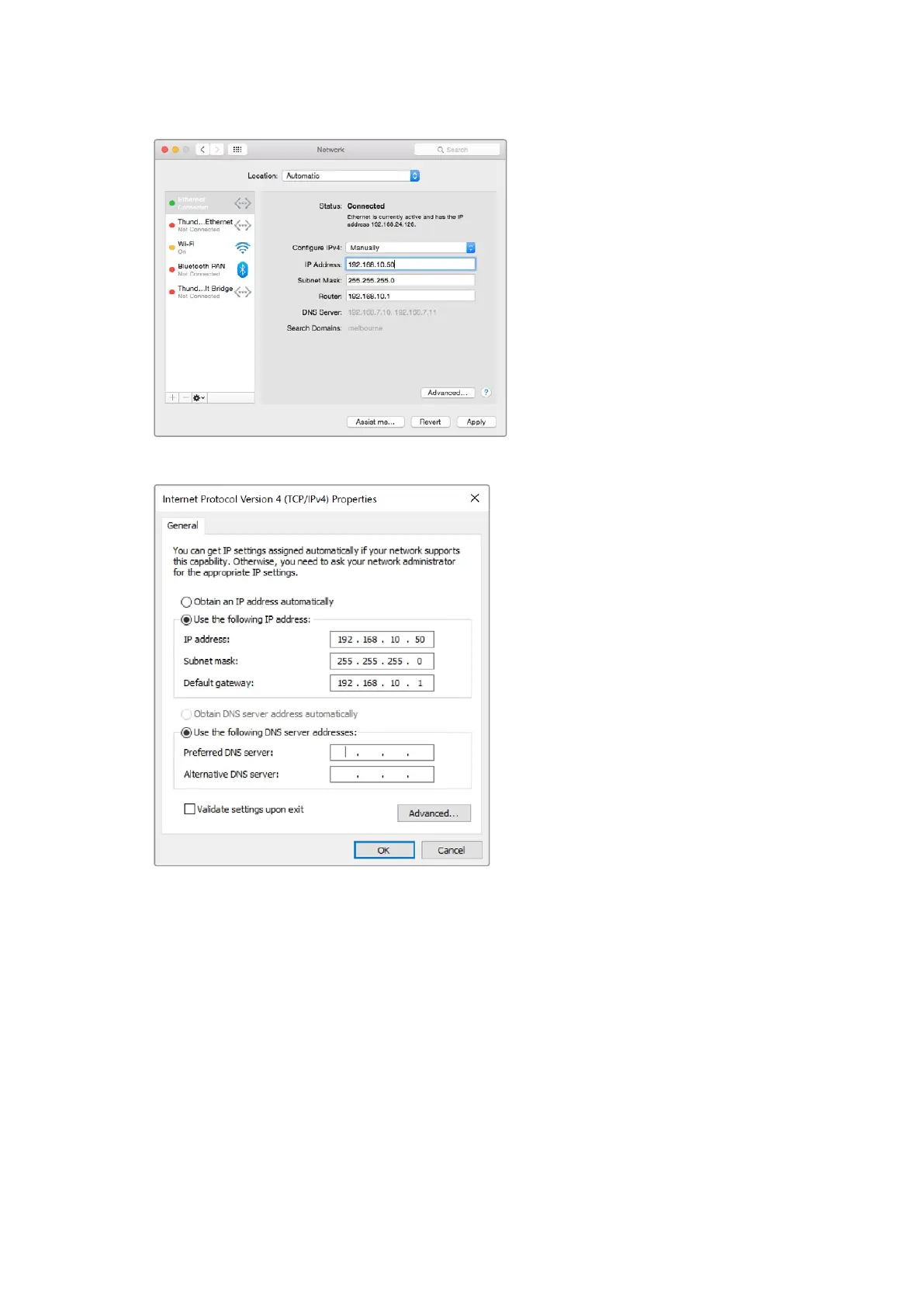
Manually setting the IP address for your Mac.
Manually setting the IP address for your Windows computer.
Switcher Settings
Now you have the software control working, you’ll need to apply your switcher settings.
Clickon the gear icon on the lower left side of the interface to open the settings window of the
ATEMSoftware Control.
Set the switcher video standard
You can set the video standard to suit the region in which you are broadcasting, such as
2160p29.97, 1080i59.94, 720p59.94 or 525i59.94 NTSC if you are broadcasting in NTSC based
countries. If you are broadcasting in PAL based countries, you can set your video standard to
formats such as 1080i50, 720p50 or 625i50 PAL.
17Getting Started



 To Next Page