Congratulations! If your macro was successful, you should see your ATEM switcher perform a
mix from color bars to color 1 using a 3 second transition, pause for 2 seconds, then perform
another 3 second mix transition to black, all by clicking one button in the macros window!
YourATEM switcher will also display an orange border around your software control panel to
indicate a macro is playing.
If your macro doesn’t perform the way you expect it to, simply rerecord the macro you just
created following the previous steps.
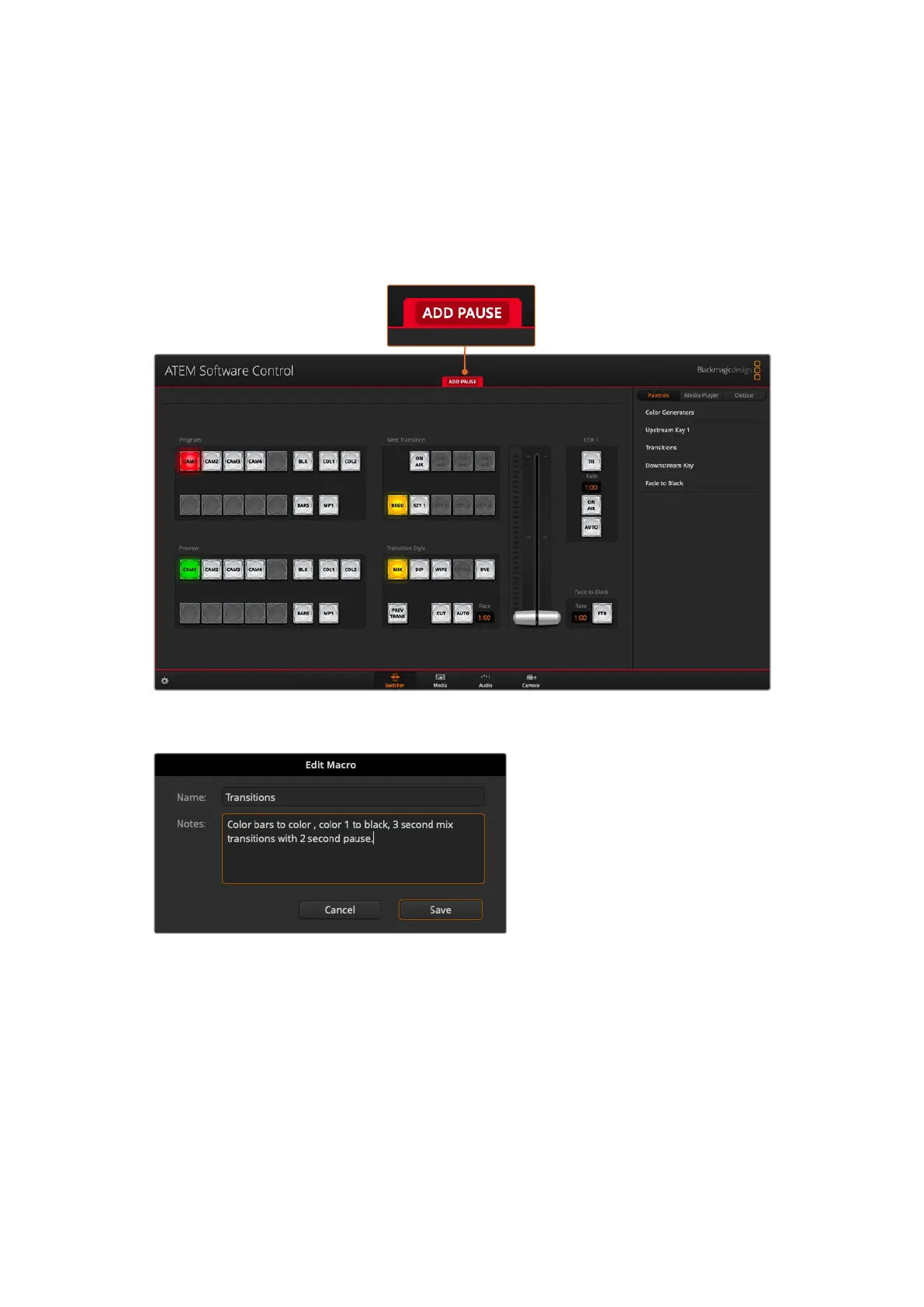
ATEM Software Control displays a red border to indicate when you are recording a macro. The ‘add pause’
button located at the top of the red border lets you enter durations for pauses between switcher actions.
Enter a name for your macro and a description so you can keep track
of the switcher actions recorded in the macro.
162Using Macros



 To Next Page