Program Source Select your program source.
Preview Source Select your preview source.
Outputs Configure your outputs.
Color Generators Adjust the internal color generators.
Upstream Keys Configure upstream keyers to use as luma, linear, chroma or pattern keys.
Transitions Select the active transition type and adjust parameters.
Downstream Keys Configure the downstream keyers with options to select fill and source.
Fade To Black
Set your fade to black transitions rate and select your AFV audio follow video
mixer output.
Media Players Assign clips or stills to your switchers media players.
Audio Mixer Adjust the master audio level or each input individually.
Headphones
Use the headphones menu to select the audio levels when using a headset
connected on the front panel.
Settings
Set your switchers general settings including switching mode, video format
andnetworking settings. You can also enable or disable talkback and mix
minusoutputs.
To use the menus:
1 Press the ‘menu’ button to display the menus.
2 Scroll with the knob through the menus to the menu you want.
3 Press the ‘set’ button and you will see the menu page will be selected to use.
4 Scroll down the list to the specific menu setting you want to change.
5 Select it by pressing the ‘set’ button.
6 Scroll through the list of options for this menu item.
7 Press ‘set’ when you want to make the desired setting active.
8 Press ‘menu’ a few times to go back to the main video preview screen.
LOCK
MENU
SET
KEY 1
MIX
DSK 1
MIX
BARS
MIX
BLACK
WIPE
DSK2
MIX
FTB
MP 1
DIP
MP 2
DVE
6 7 8 9 CUT
16 17 18 19
10
20 AUTO
1 2 3 4 5
11 12 13 14 15
PROD
TALK
ENG
TALK
CALL
PGM
MIX
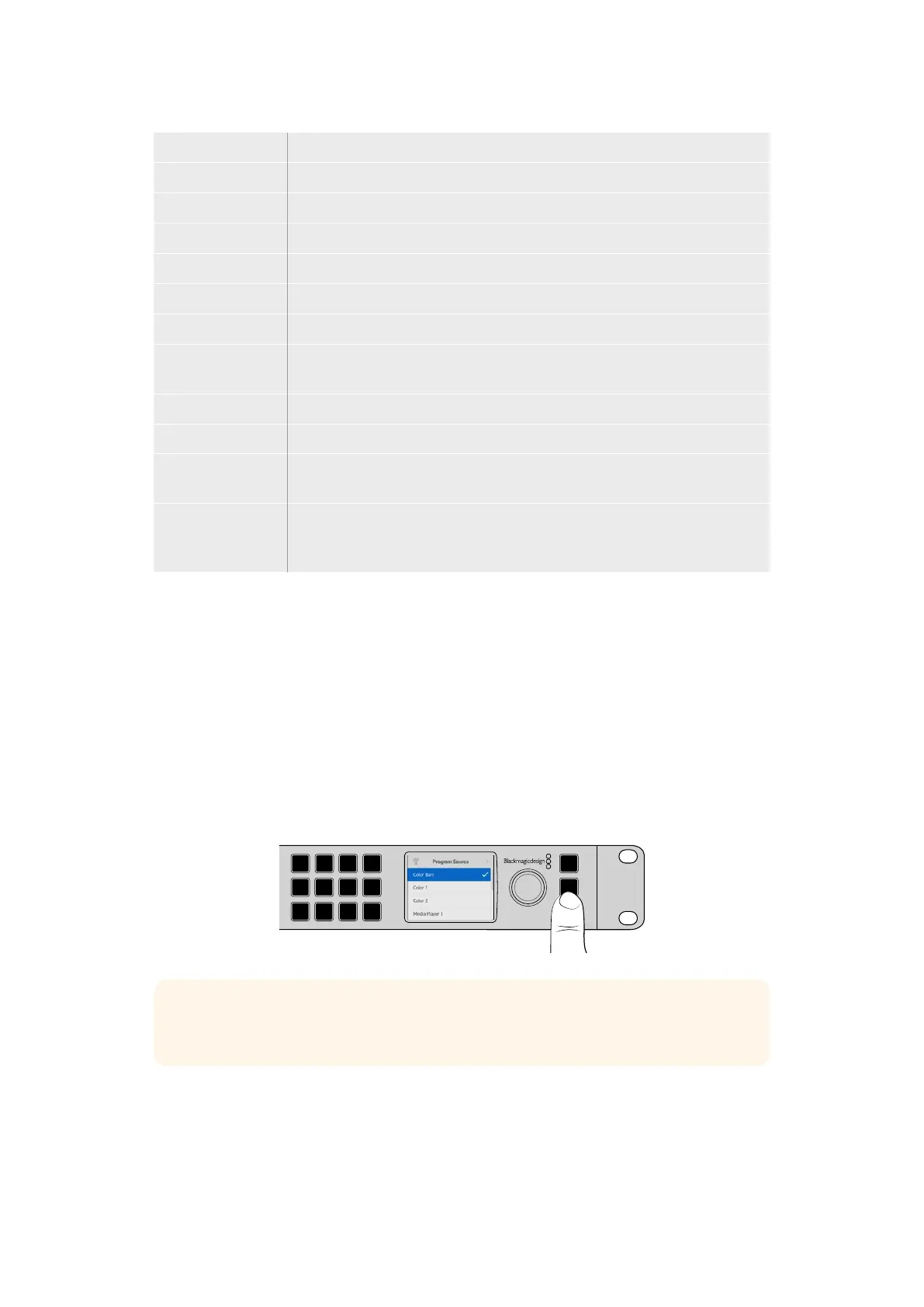
TIP You can also select sources, including internal sources and media players, using
the LCD menu.
Changing to Cut Bus Switching
By default, the control panel works in program/preview mode, which is more like a traditional
switcher and means changing sources is a two step process where you select the next source
on the preview bus and then select cut or auto. However, in many cases you might like to have
the switch to the new source happen immediately when you select it. This mode is called cut
bus switching and you can change the mode in the LCD menus.
12Using the Front Panel


 To Next Page
 Loading...
