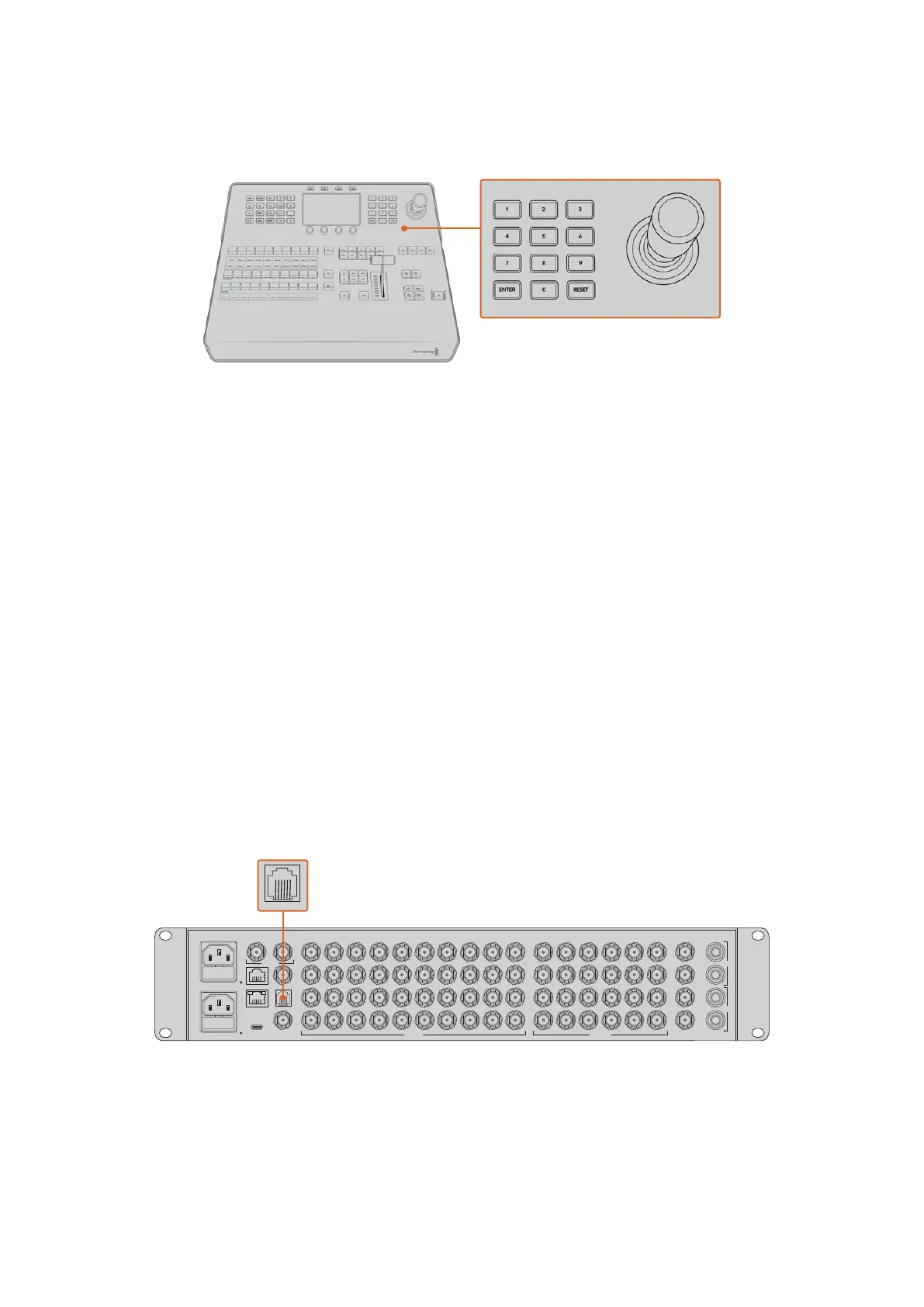
The Joystick is a 3-axis joystick that is used to size and position keys, DVEs and other elements.
You can also use the joystick to control VISCA PTZ remote cameras.
Joystick Control
Controlling Cameras using the Joystick
The joystick can also be used to control a remote camera head using the common VISCA
protocol when connected to your switcher.
PTZ, or ‘pan, tilt, zoom’, control is an extremely powerful tool for controlling pan, tilt and zoom
on remote cameras. You can easily control a bank of cameras one at a time by pressing the
camera control button and then selecting each camera via the numbered buttons on the
numeric keypad. Make your pan and tilt adjustments with the joystick.
You can also choose the tilt direction of your joystick by selecting ‘inverted’ or ‘normal’ in the
‘VISCA control settings. Selecting ‘inverted’ will reverse the tilt action of your joystick.
Connecting a Remote Head
Your ATEM Advanced Panel communicates with remote heads via the ATEM 4 M/E Constellation
HD switchers RS-422 port labeled ‘remote’. After connecting your ATEM Advanced Panel
to your ATEM switcher via Ethernet, connect your ATEM switcher to the RS-422 input on the
remote camera head. The RS-422 port on ATEM 4 M/E Constellation HD is an RJ12 connector
that look similar to a standard landline phone connector.
You’ll also need to make sure the remote behavior for your switcher’s RS-422 port is set to
‘PTZ’ in the ‘settings’ LCD menu.
When connecting more than one remote head, they will normally be daisy chained together via
the RS-422 outputs/inputs between each head.
SDI INPUTS
CONTROL
REMOTE
TALKBACK MADI IN
REF INUSB
1 5 9 13 17
2 6 10 14 18
21
3
22
3 7 11 15 19
4 8 12 16 20
23
24
1 51 2 9 13 17
2 6 10 14 18
21
22
3 7 11 15 19
4 8 12 16 20
23
24
25 29 33
26 30 34
37
38
27 31 35
28 32 36
39
40
4
ANALOG AUDIOMULTIVIEW
CH 2
CH 1
1
2
CH 2
CH 1
SDI OUTPUTS
MADI OUT
OUT
IN
SDI INPUTS
CONTROL
REMOTE
TALKBACK MADI IN
REF INUSB
1 5 9 13 17
2 6 10 14 18
21
3
22
3 7 11 15 19
4 8 12 16 20
23
24
1 51 2 9 13 17
2 6 10 14 18
21
22
3 7 11 15 19
4 8 12 16 20
23
24
25 29 33
26 30 34
37
38
27 31 35
28 32 36
39
40
4
ANALOG AUDIOMULTIVIEW
CH 2
CH 1
1
2
CH 2
CH 1
SDI OUTPUTS
MADI OUT
OUT
IN
Connect a remote camera head to your ATEM switcher via the RS-422 port labeled ‘remote’ on the rear panel
PTZ Setup for Remote Heads
All PTZ setup options are set using the ‘settings’ LCD menu. Press the arrow buttons to move to
the last page of switcher settings and set the remote port to VISCA. Set the baud rate to match
72Using ATEM Hardware Panels


 To Next Page
 Loading...
