UCE32100 User Manual
viii
About this Manual
This user manual is provided to help you get the most from the UCE32100 unit.
It covers all aspects of installation, configuration, and operation. An overview
of the information found in the manual is provided below.
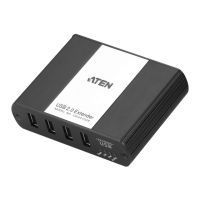
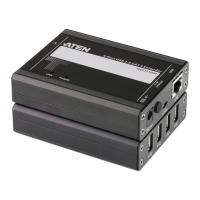
Chapter 1, Introduction introduces you to the UCE32100 4-Port USB 2.0
CAT 5 Extender (100m). Its purpose, features, and panel components are
presented and described.
Chapter 2, Hardware Setup describes the steps that are necessary to quickly
and safely set up your installation.
Chapter 3, Operation explains the LED behaviors of the UCE32100 units.
Appendix provides a list of safety instructions and precautions, contact
information for ATEN technical support, product specifications, and other
technical information.
Note:
Read this manual thoroughly and follow the installation and operation
procedures carefully to prevent any damage to the unit or any connected
devices.
The product may be updated, with features and functions added, improved
or removed since the release of this manual. For an up-to-date UCE32100
documentation, visit http://www.aten.com/global/en/


 To Next Page