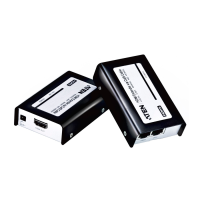
UCE32100 User Manual
ix
Conventions
This manual uses the following conventions:
Monospaced Indicates text that you should key in.
[ ] Indicates keys you should press. For example, [Enter] means to
press the Enter key. If keys need to be chorded, they appear
together in the same bracket with a plus sign between them:
[Ctrl+Alt].
1. Numbered lists represent procedures with sequential steps.
♦ Bullet lists provide information, but do not involve sequential steps.
> Indicates selecting the option (on a menu or dialog box, for
example), that comes next. For example, Start
>
Run means to
open the Start menu, and then select Run.
Indicates critical information.



 To Next Page