QSG_F620.283.00_EN_01 / 2019-02-20
32 / 46
User interface
OVERVIEW
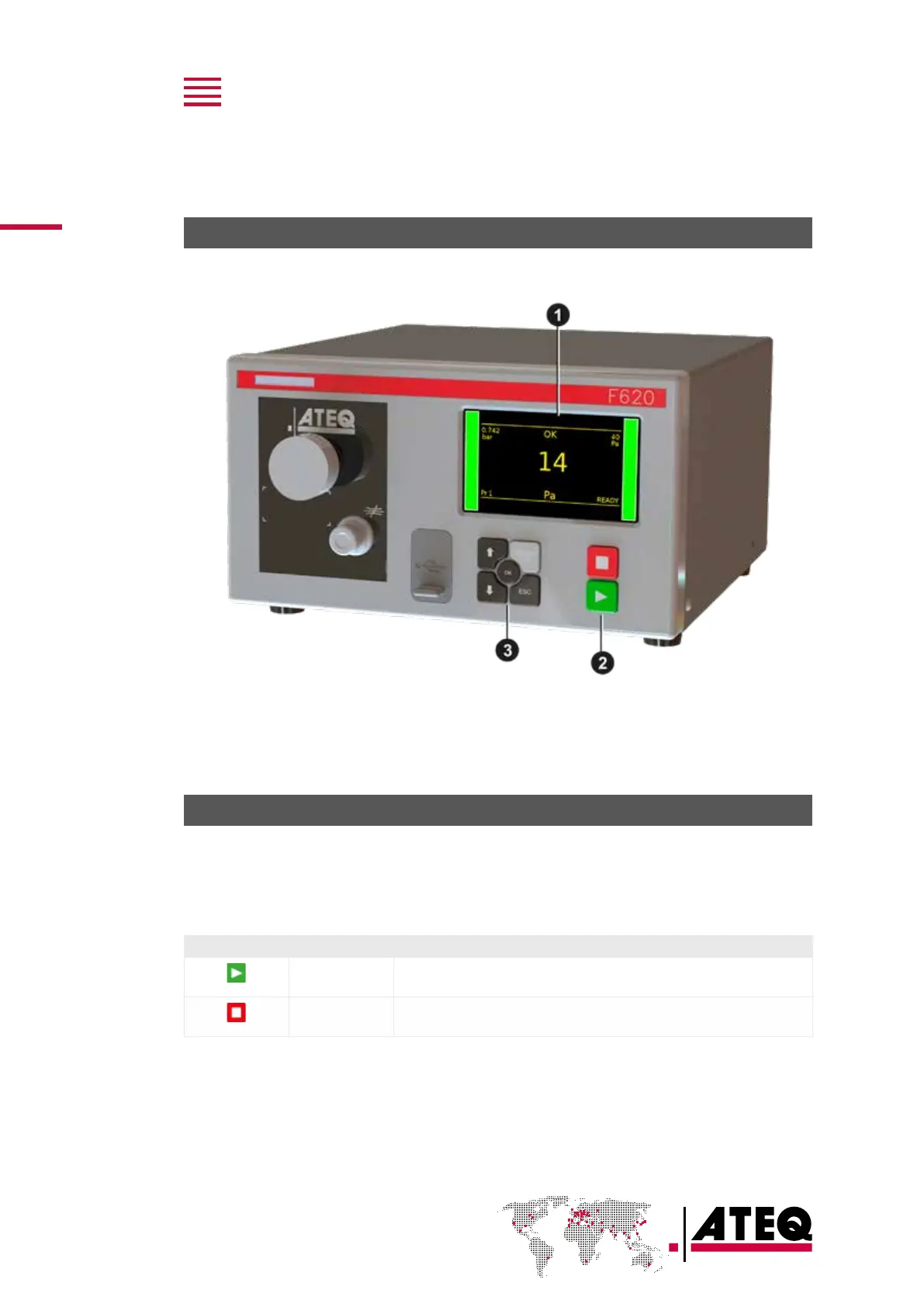
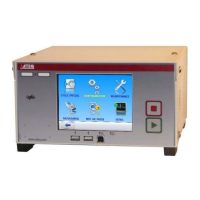
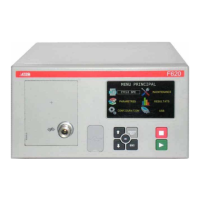
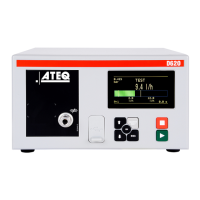
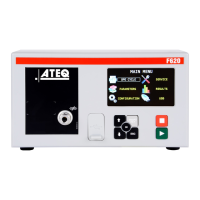
The user interface comprises a display and user keys located on the front panel.
1 Display
2 Cycle keys
3 Navigation keys
KEYS
Cycle keys
The cycle keys are used to start and to stop a measurement cycle.
Key Name Function
Start On the Program screen, starts a measurement cycle and opens the
Measurement cycle screen.
Reset
Stops the measurement cycle in progress and returns to the
Program screen.


 To Next Page